01
Pick a Subject Image
Choose the image that should carry the main object, person, or product focus.
"Turn two separate images into one clear visual idea."
This page is built for concept building, not just blending. Start with two references, define your visual direction, and generate a result you can actually use in content or campaigns.
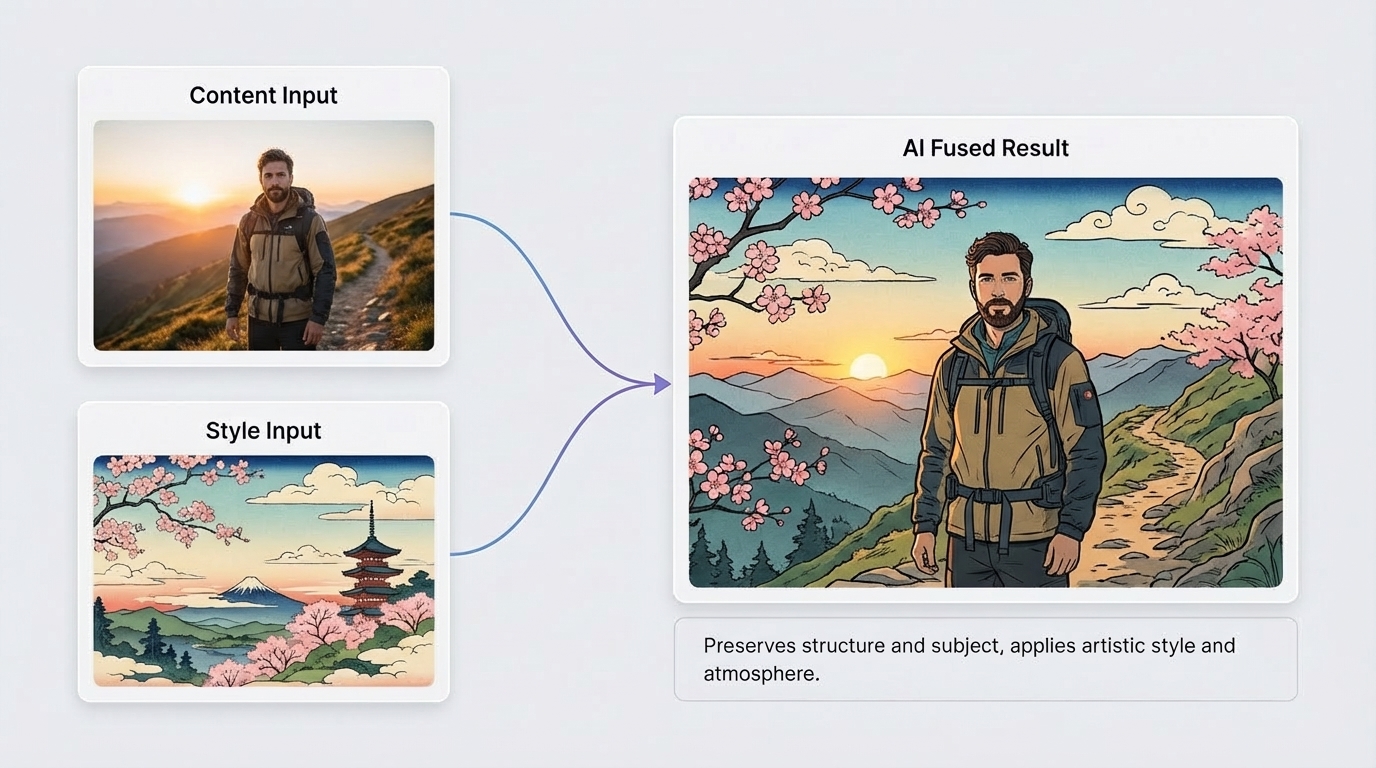
Preparing local preview…
Workflow descriptions and FAQs below come from the public Lanta AI reference. This page supports local preview only; generation, generated exports and account history are not available.
Use this quick three-step flow when you want faster concept output with less manual editing.
Choose the image that should carry the main object, person, or product focus.
Add a second image for atmosphere, texture, or context so the result has a stronger visual direction.
Generate multiple versions, compare composition quality, and keep the one that best fits your use case.
Each sample starts from two references and ends with one clear concept direction.
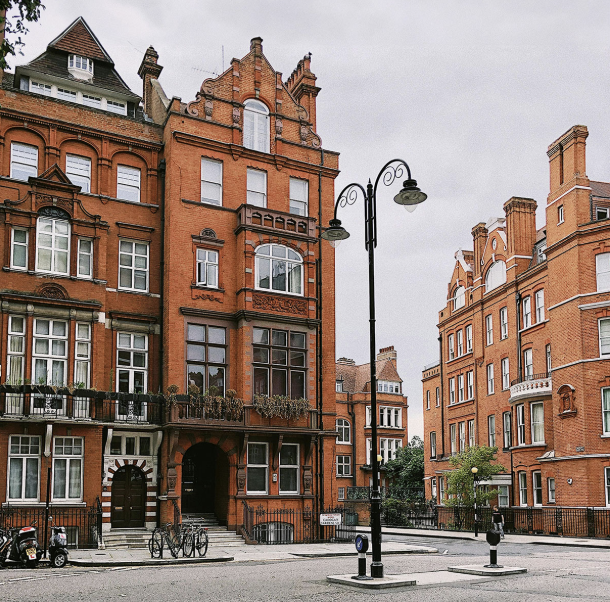
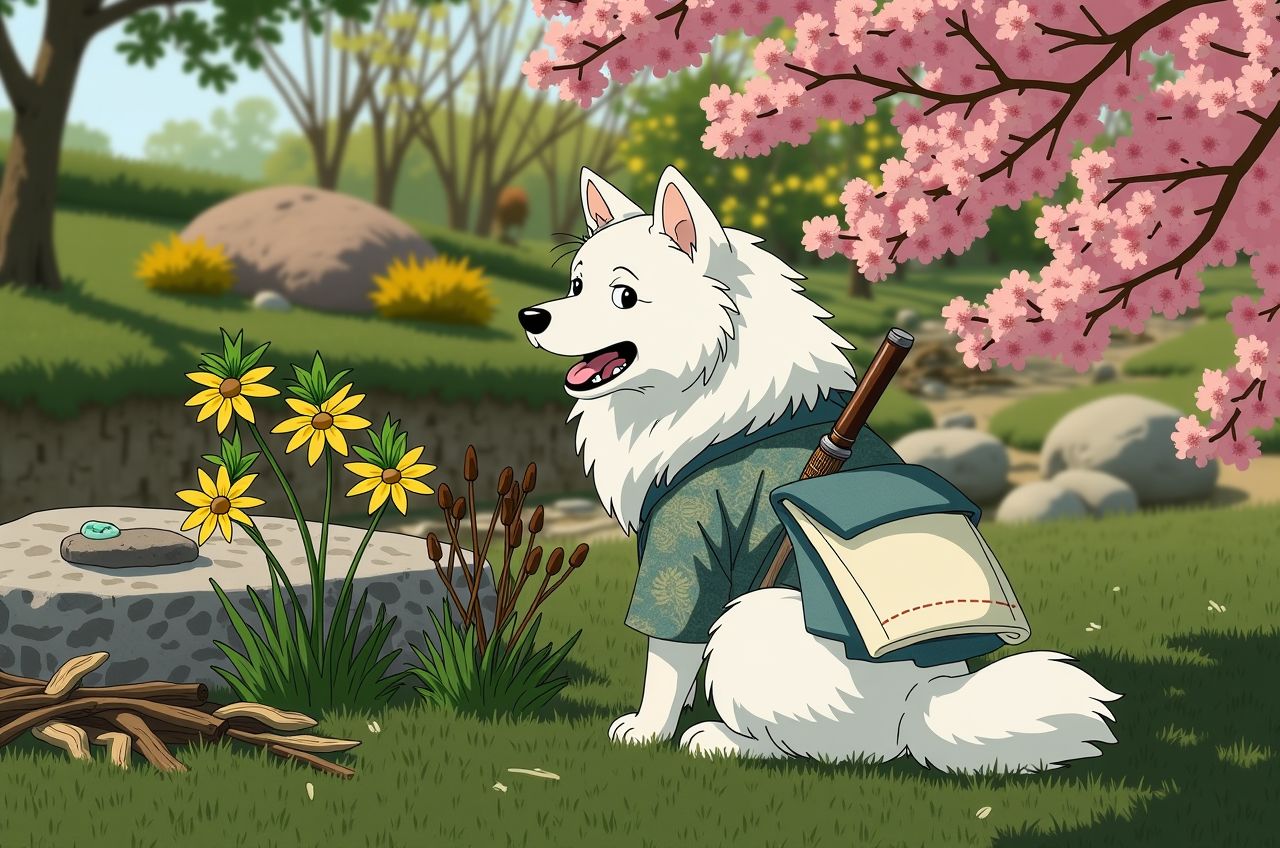
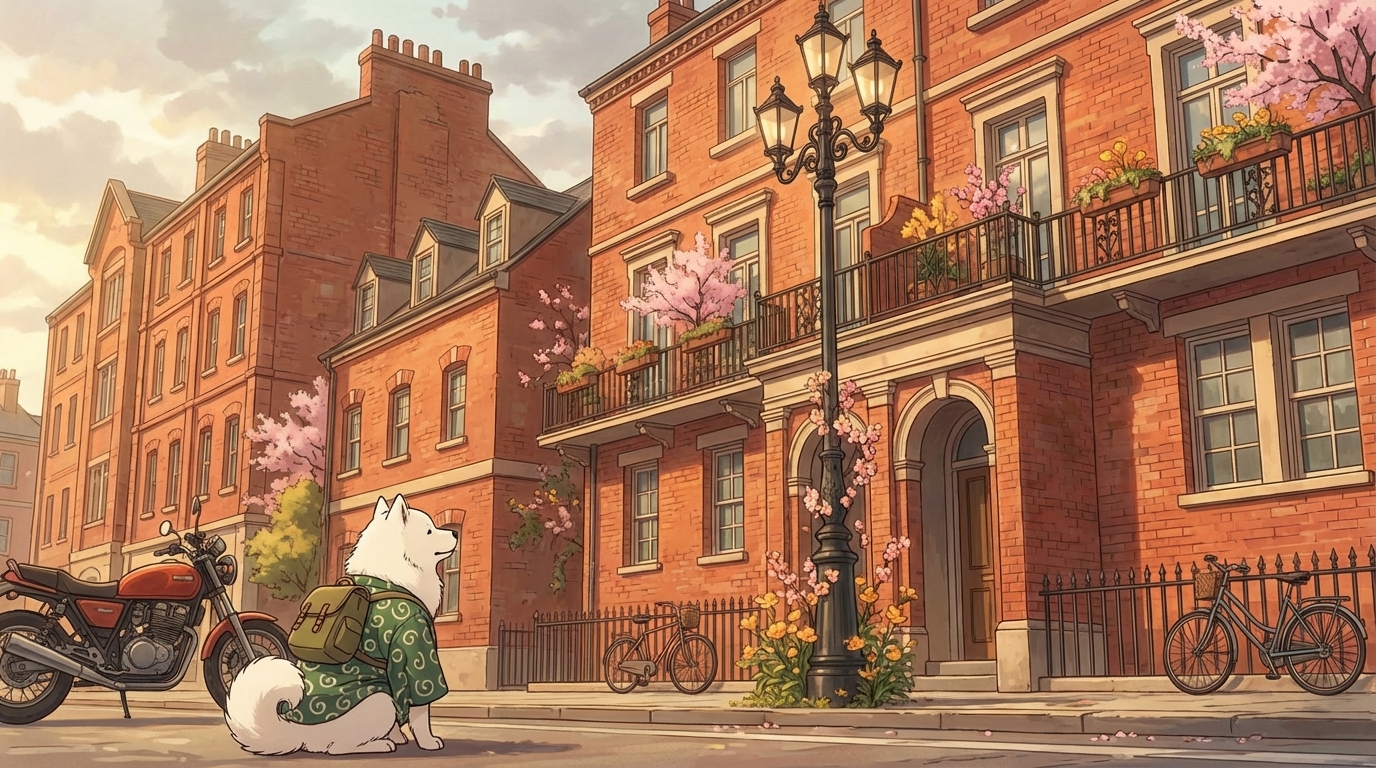
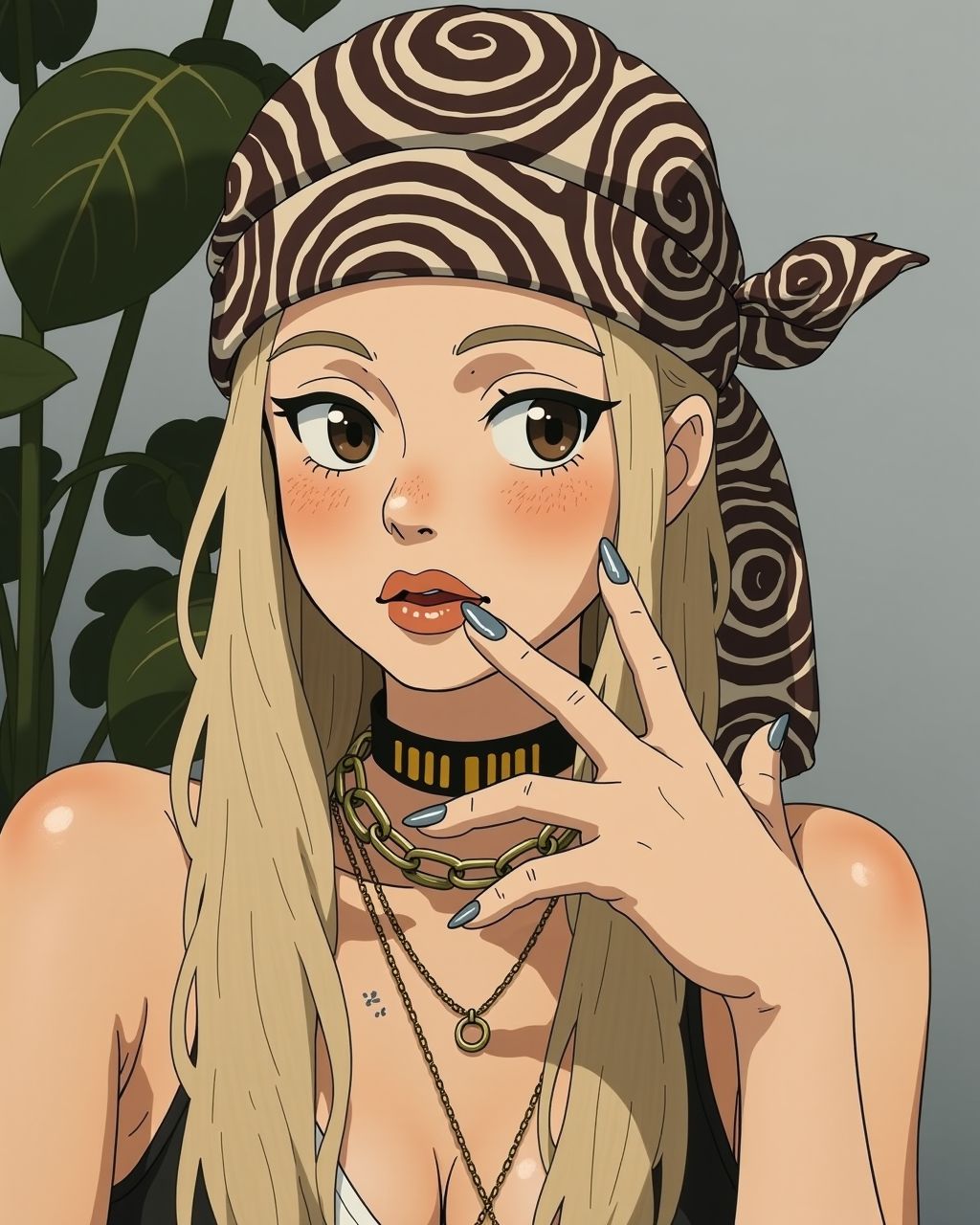
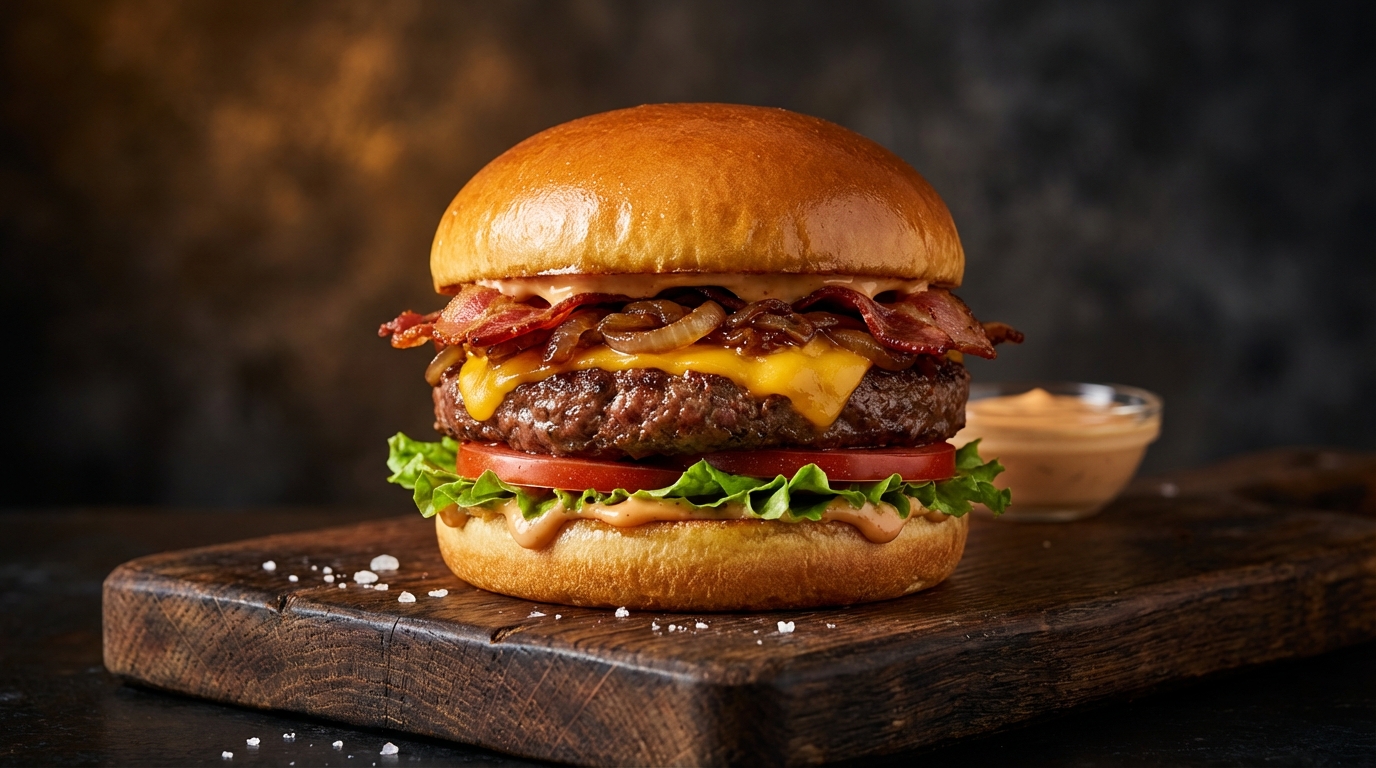
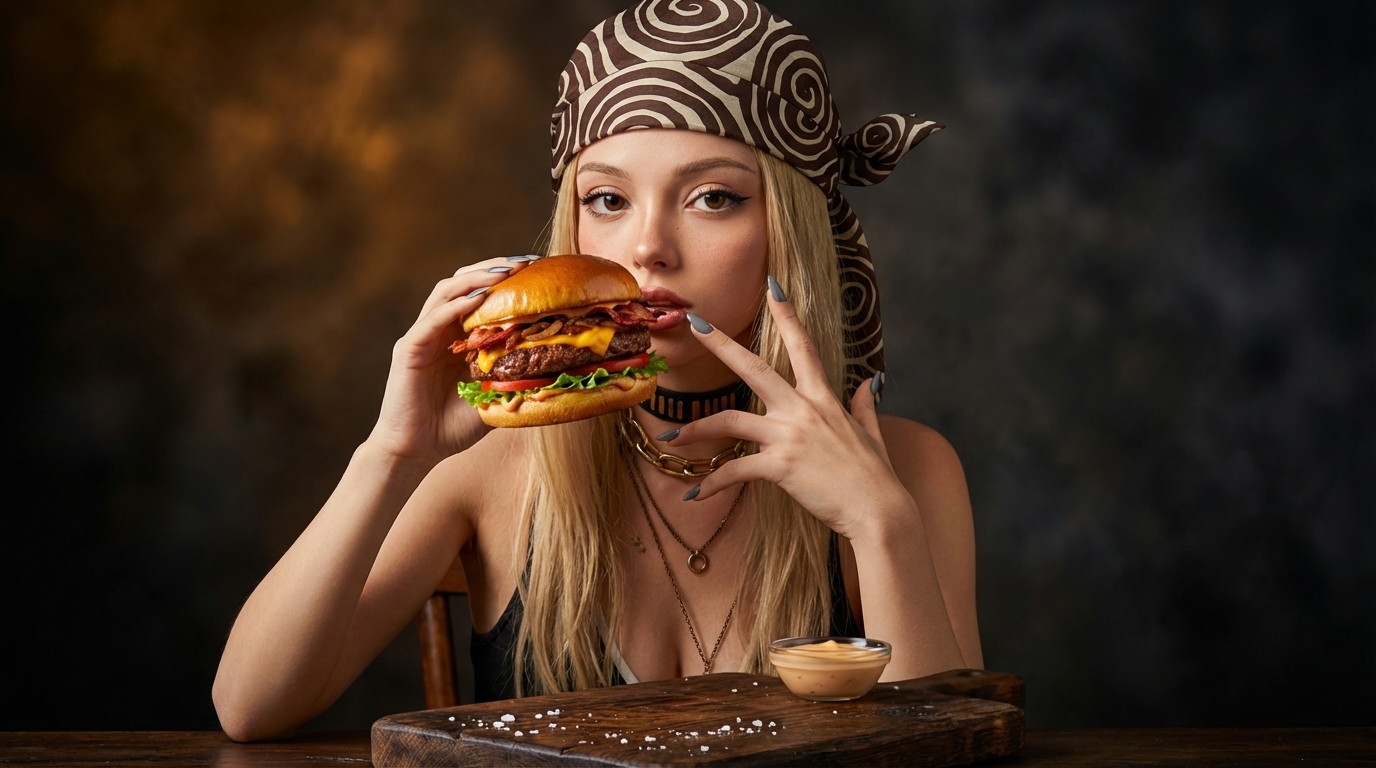
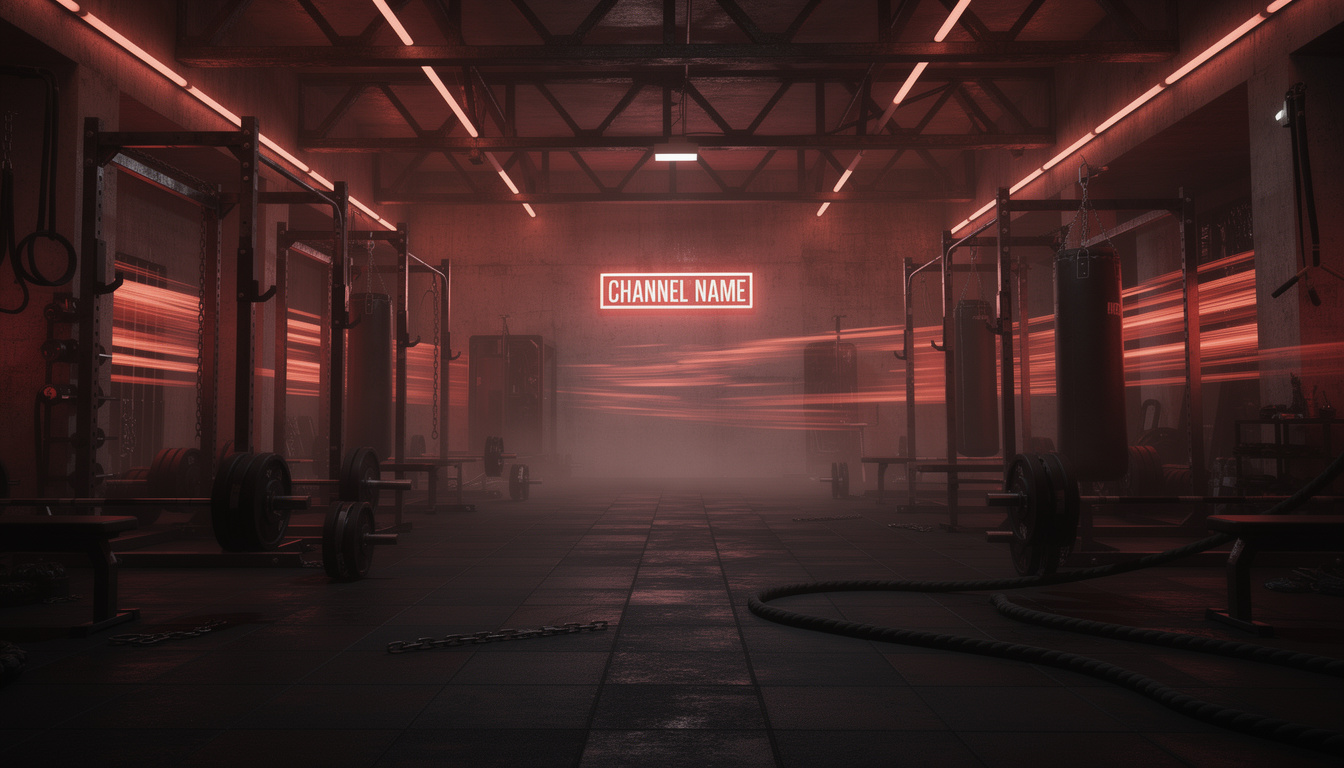
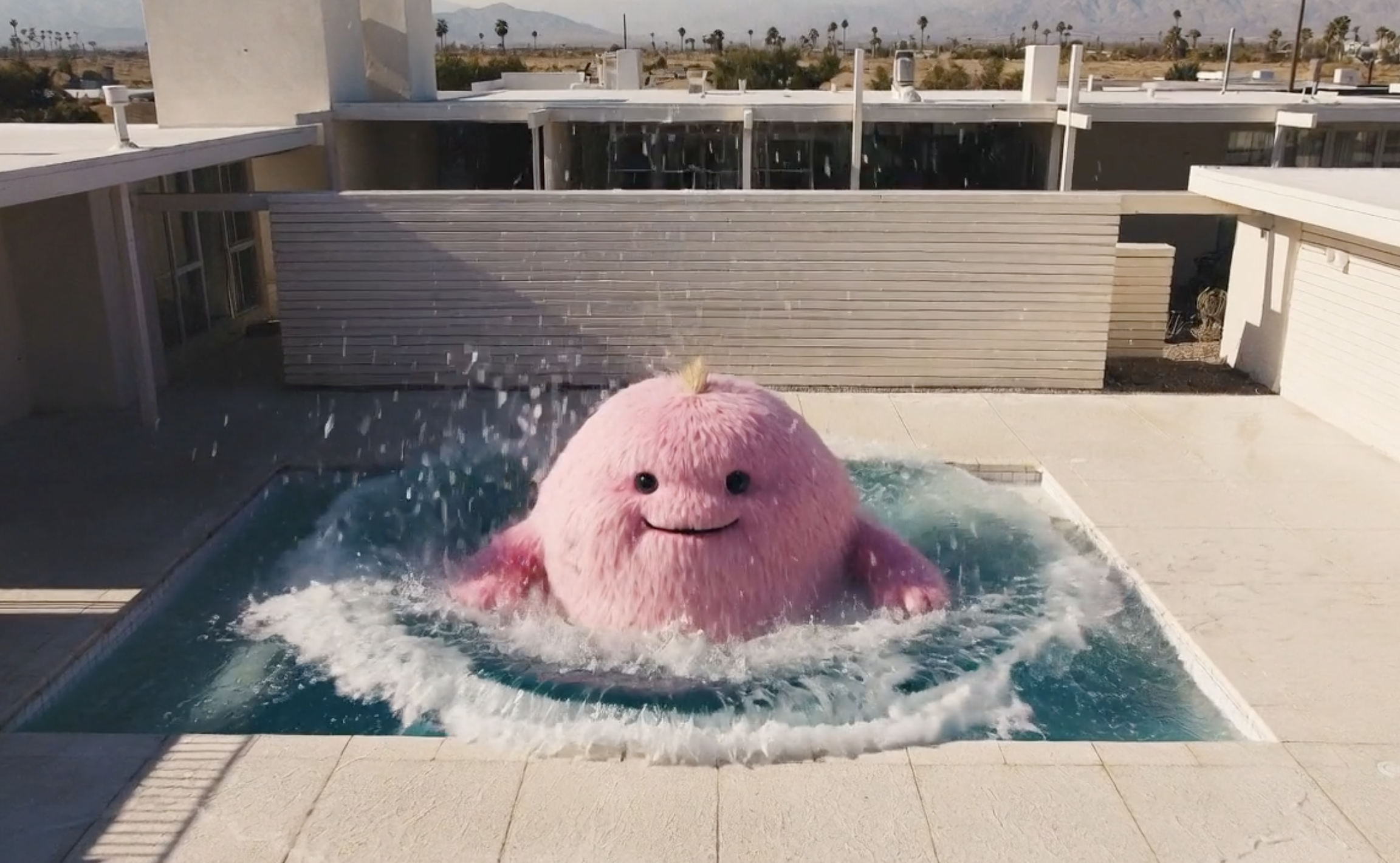
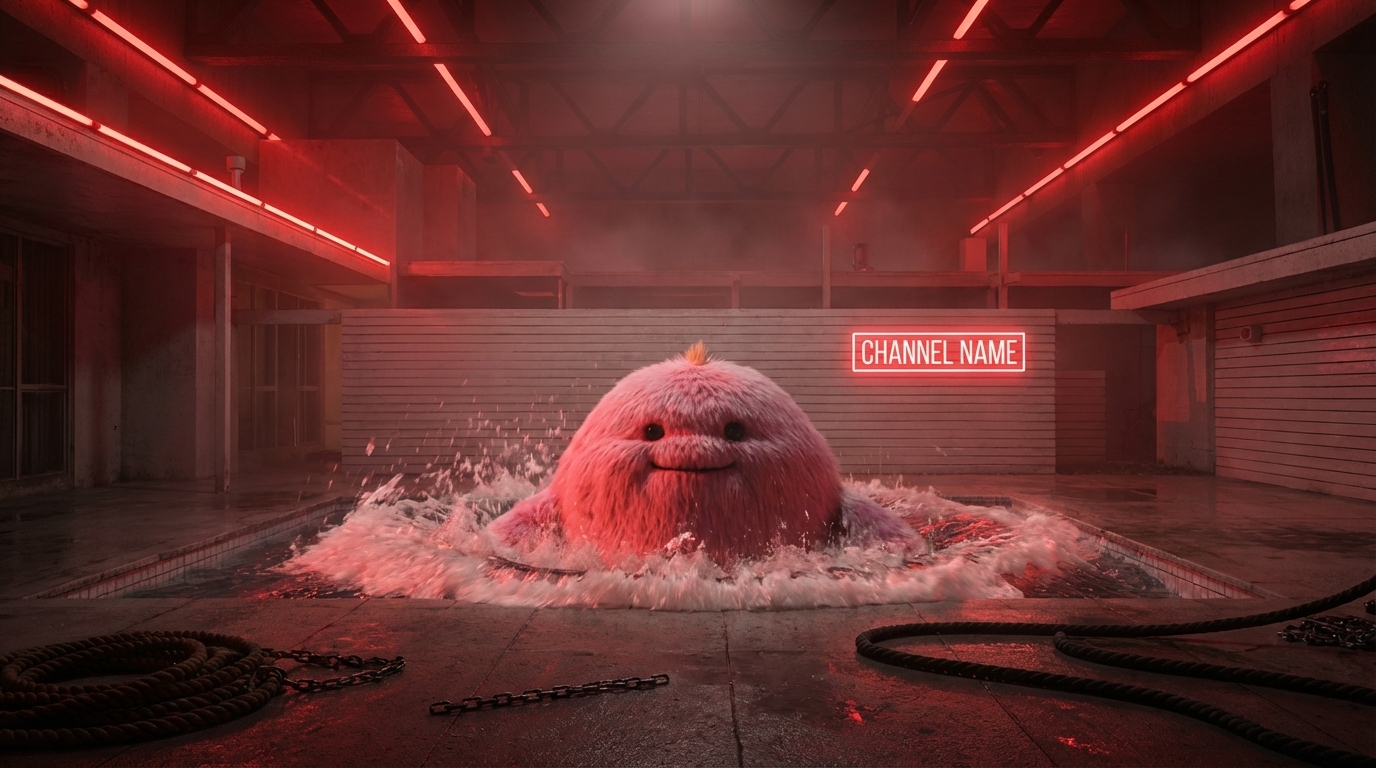
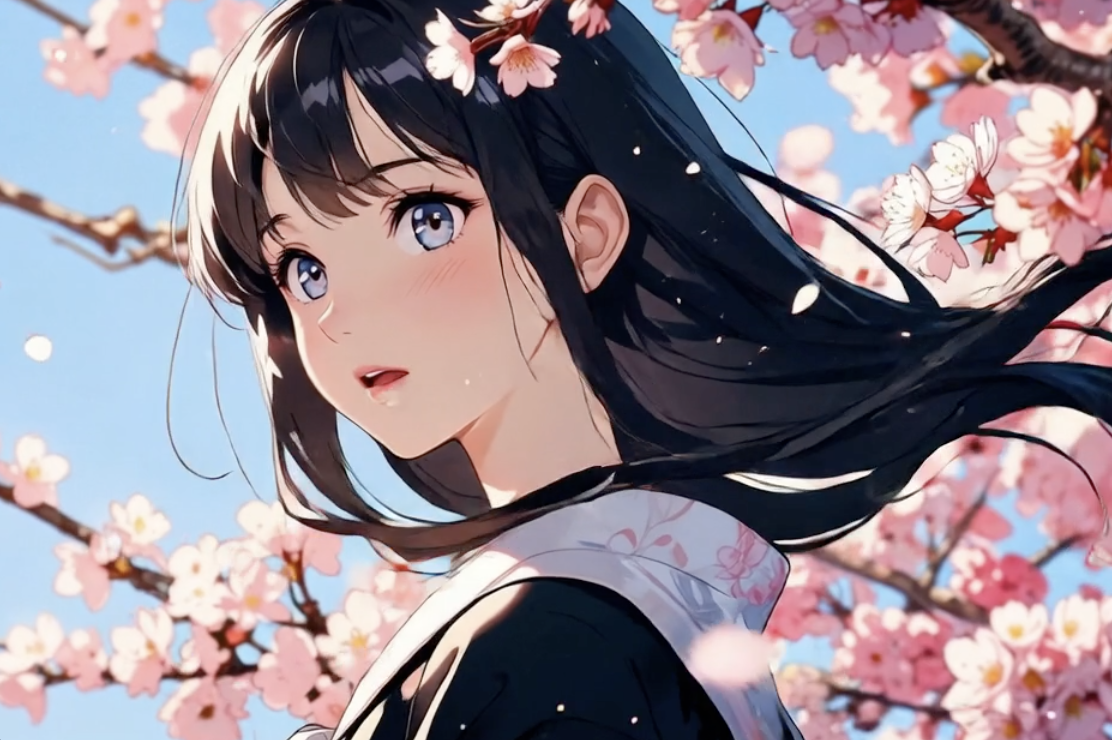
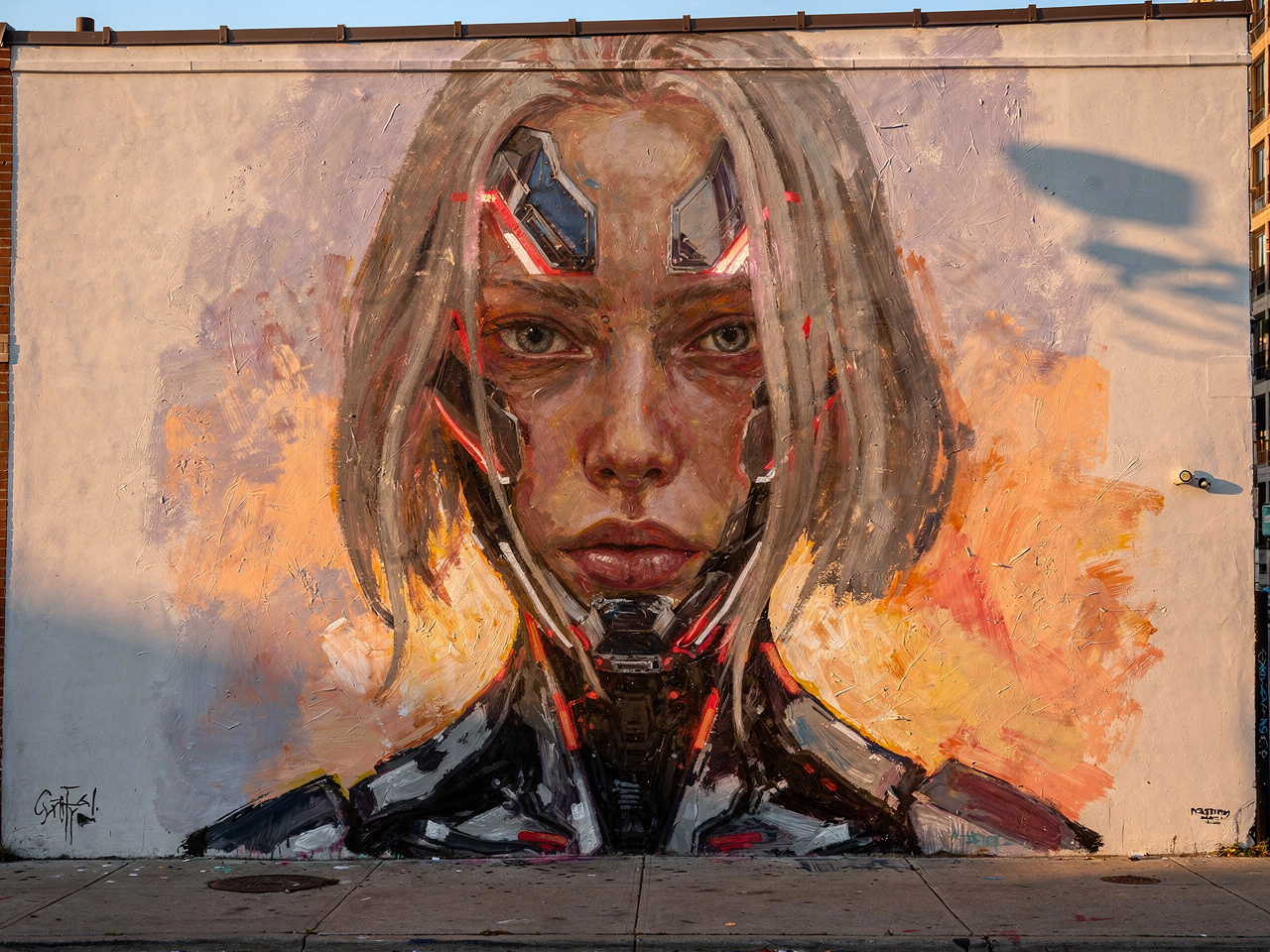
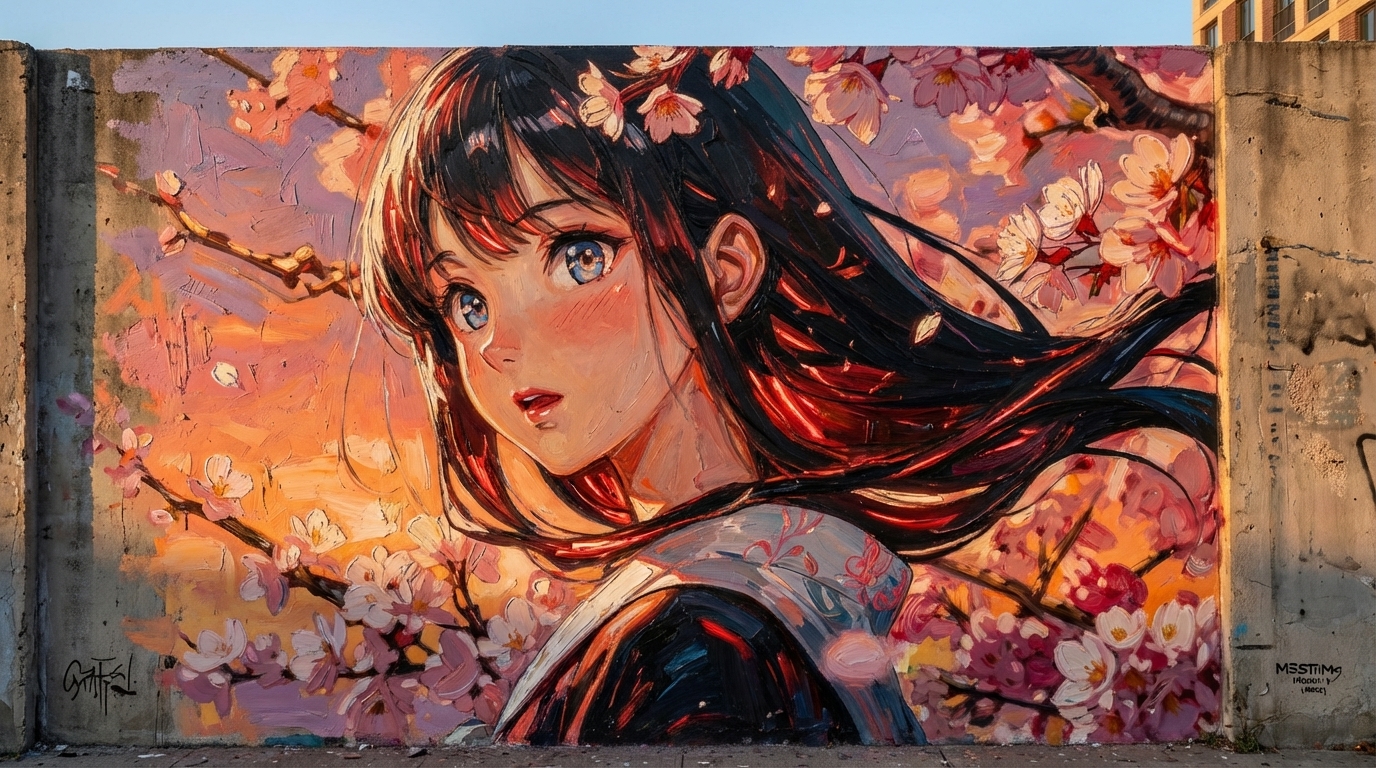
AI Image Combiner is an online AI tool that takes two source images and combines them into one unified visual output. You upload both images, add a short prompt, and the model creates a new composition by aligning subject, style, lighting, and scene context.
Different teams use AI Image Combiner for different goals, but the core value is always faster visual decision-making.
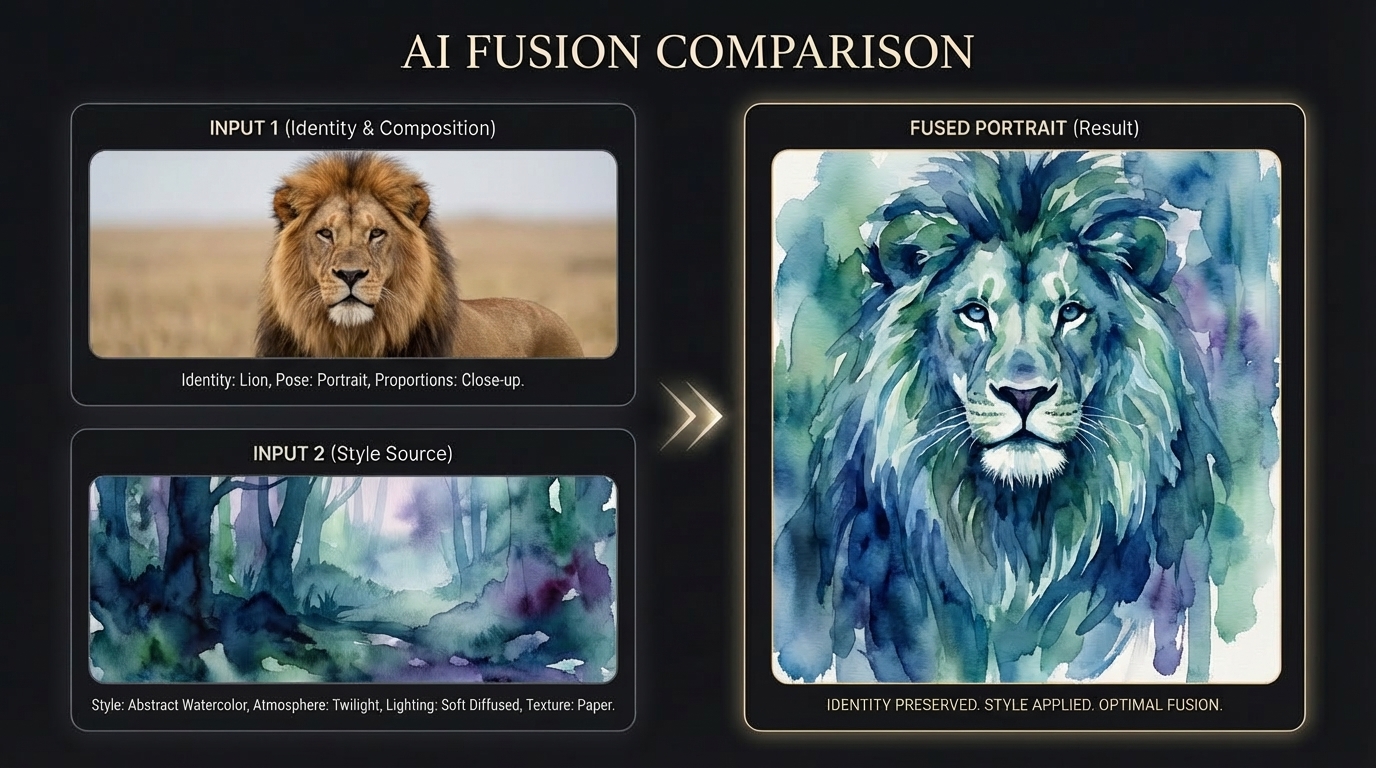
Turn a realistic subject into a stylized campaign visual while preserving identity, pose, and composition.
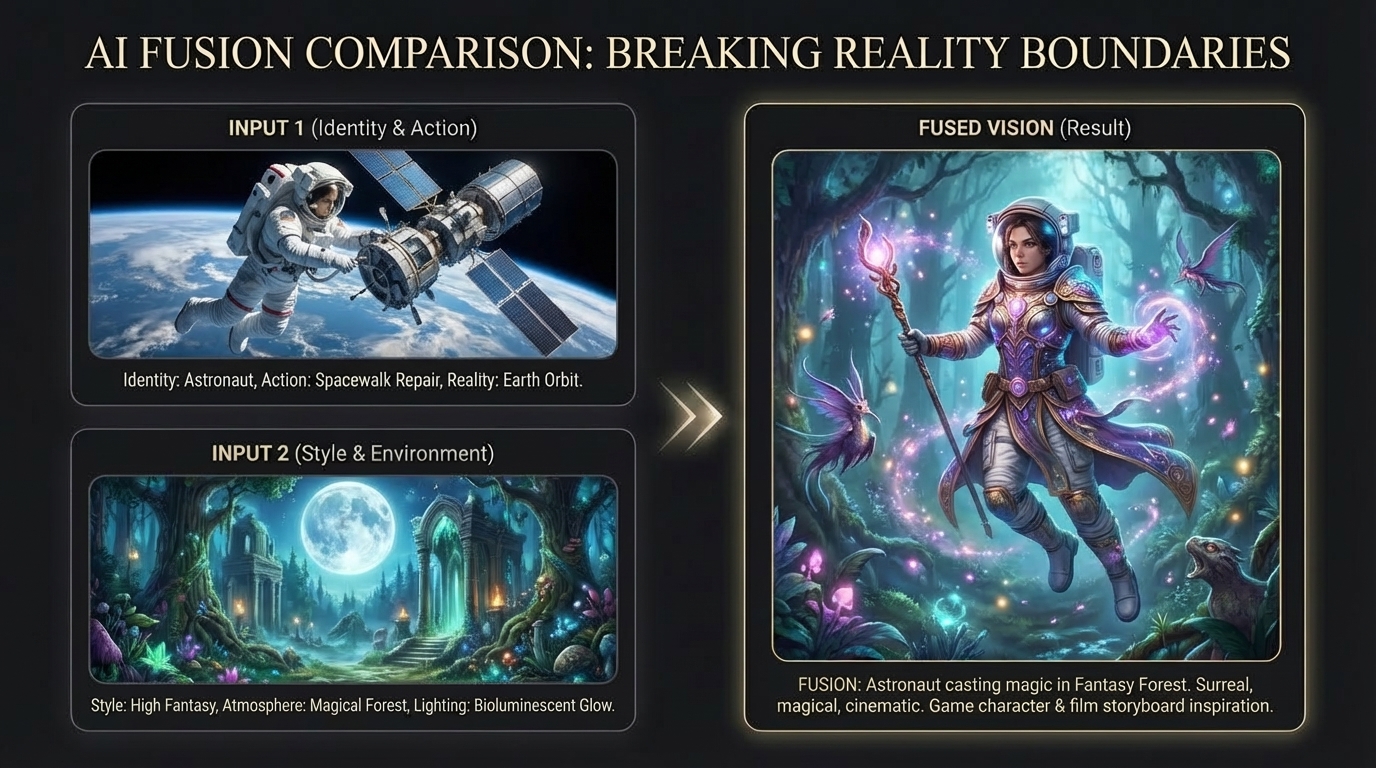
Fuse real-world action with fantasy environments to prototype cinematic thumbnails and cover concepts.
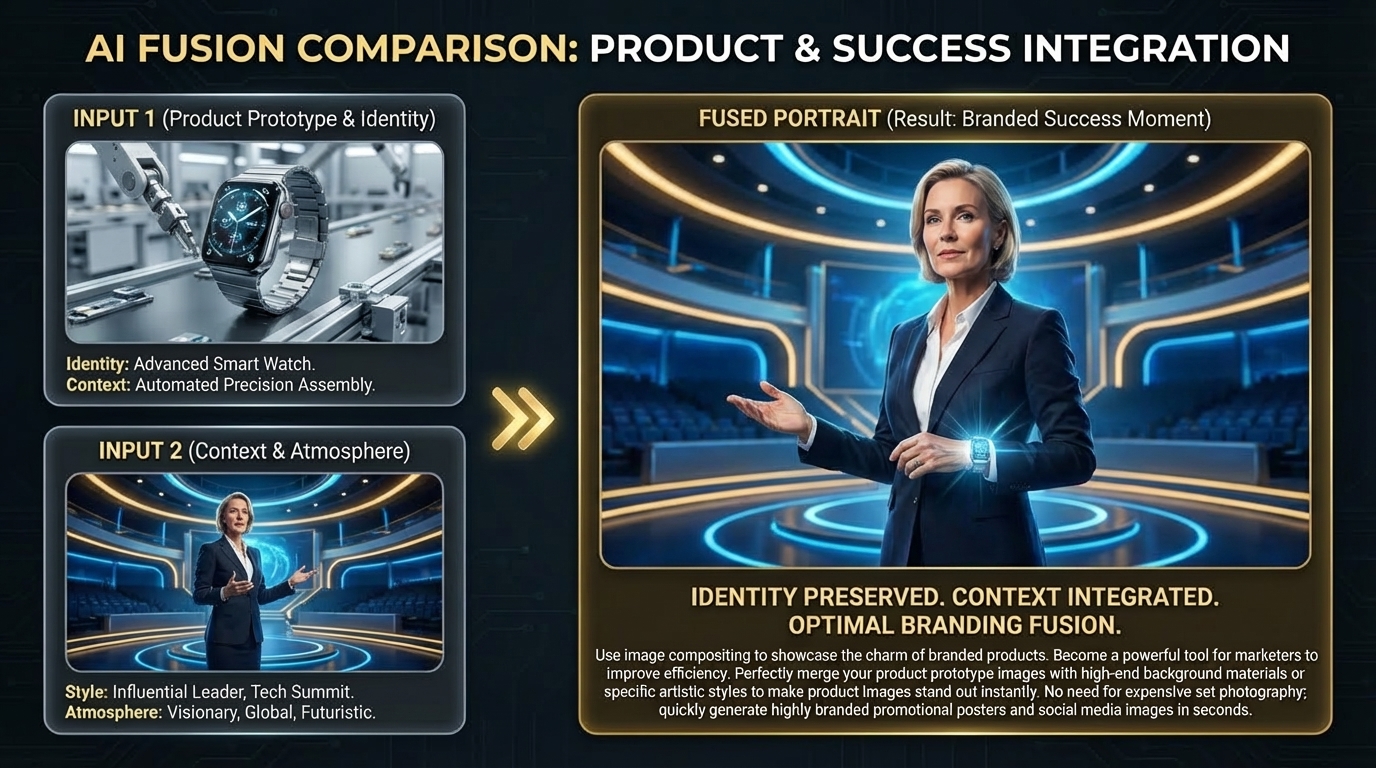
Combine product prototypes with leadership-stage context to create branded success visuals for launch storytelling.
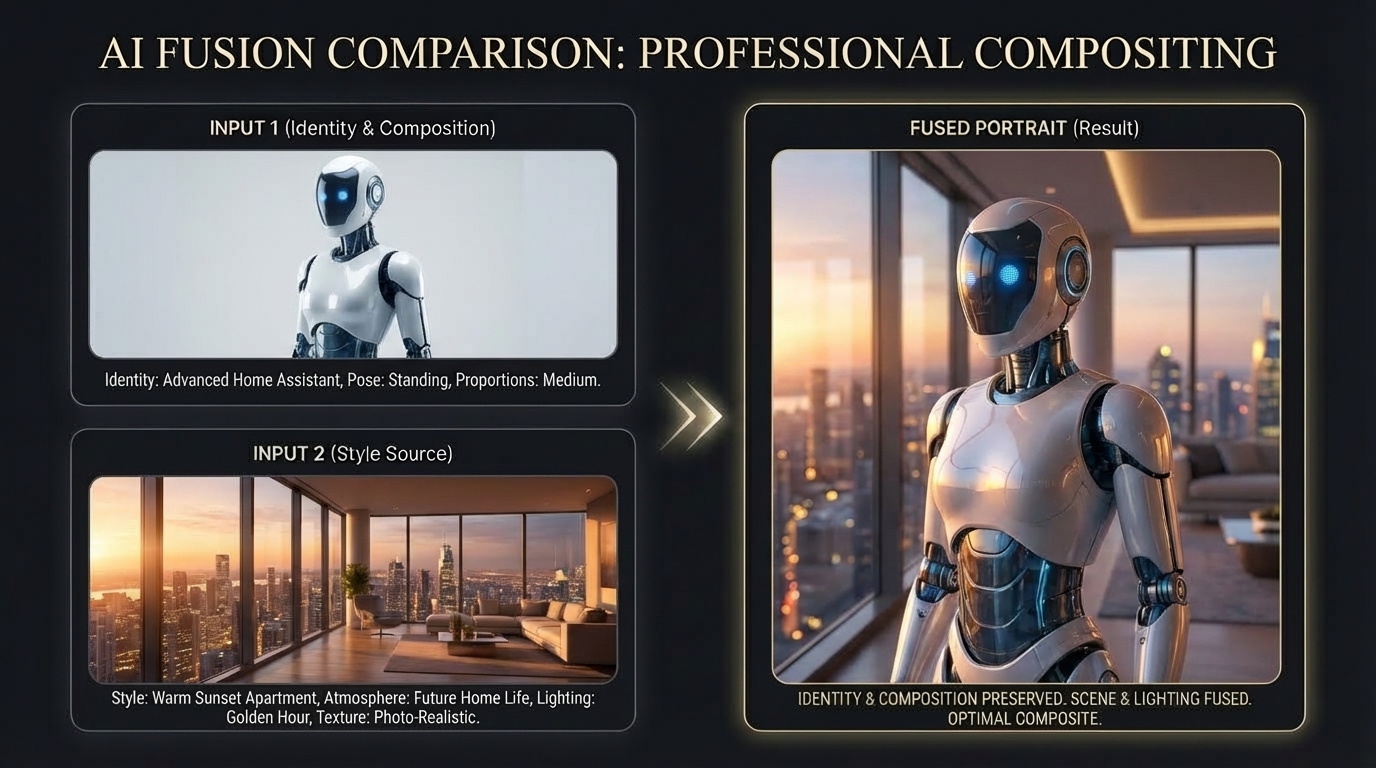
Place AI or robot subjects into premium real-world interiors for proposal-ready visuals and professional compositing demos.
This workflow focuses on composition quality and decision speed, so teams can move from idea to usable visual faster.
Unlike basic overlay tools, AI Image Combiner is positioned for composition decisions. It helps you keep a clear focal point while importing style from another source.
You can use short, plain prompts and still get strong results. This makes the ai image combine tool easier for non-design users.
From creators to marketing teams, this ai photo combiner supports rapid visual iteration for content calendars, ad experiments, and landing drafts.
This free ai image combiner runs in-browser, so you can combine images with ai from any device and share outputs quickly.
Simple answers for people who want practical results, not technical complexity.
Yes. This page is optimized for composition decisions, so outputs are easier to use in real content workflows.
Yes. You can start with two images and a short plain-English prompt.
Use one line that defines subject priority, style source, and lighting mood. Keep it specific but short.
That is a useful rule of thumb. Blender-style prompts push texture and mood, while combiner prompts often prioritize structure and clarity.
Yes. Many users create draft visuals for ads, ecommerce listings, and campaign assets. Before formal publishing or print production, review licensing terms and run one design quality check.
Most generations take about 1-2 minutes, depending on image complexity and queue load.
Yes. State clearly in the prompt which image is primary and which is secondary, then regenerate to refine balance.
AI Image Combiner helps you turn two references into one usable concept visual quickly and clearly.
Explore local previewBrowser based · Generation unavailable