Preparing local settings preview…
Kling AI on Lanta AI
Kling AI Video Generator
on Lanta AI
Create with Kling AI through Lanta AI's browser-based video generator.
Turn a prompt or source image into a 5- or 10-second Kling 2.6 clip, with optional generated audio.
Kling 2.6 on this page
Text and image inputs
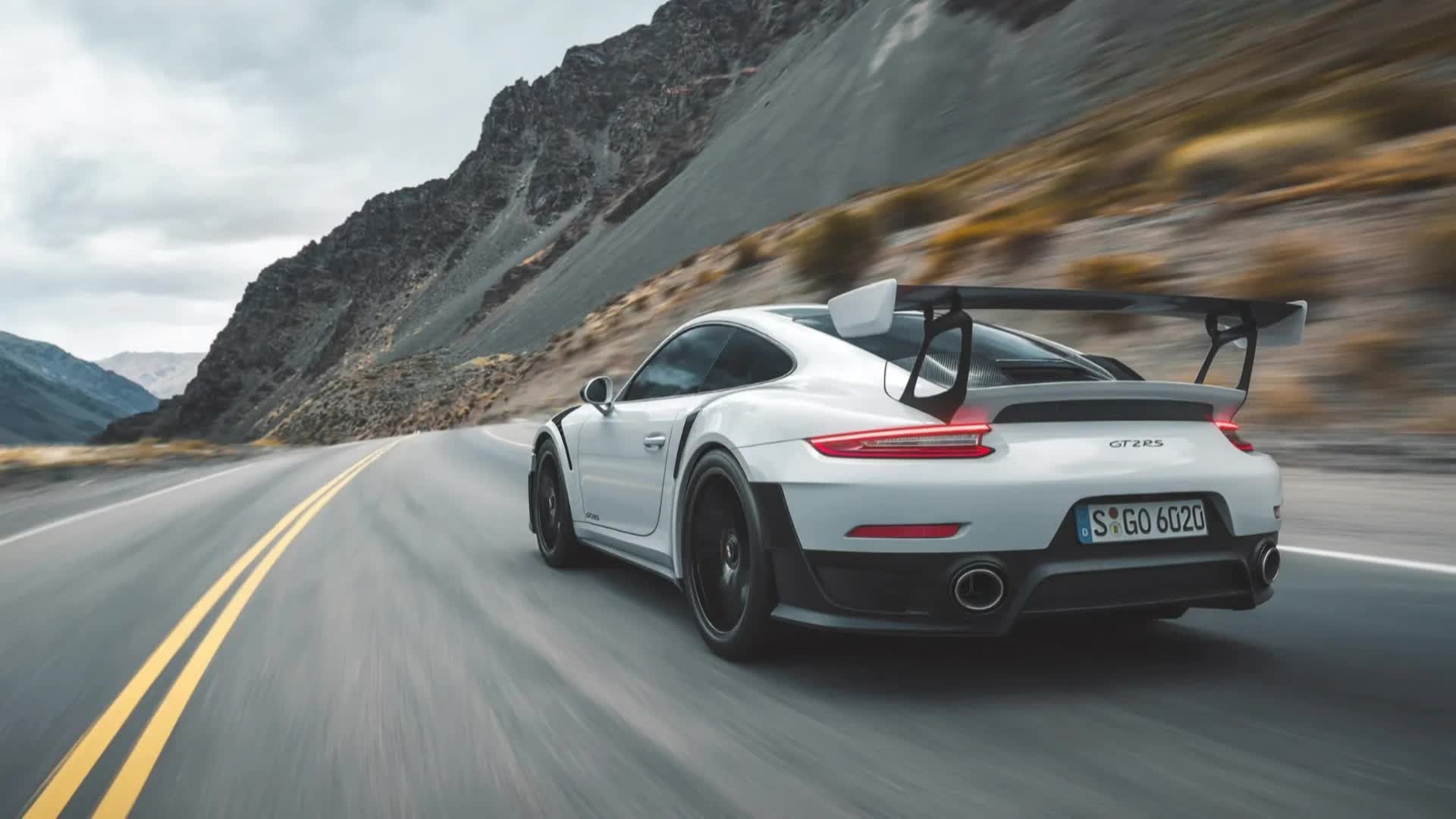
Current form model: Kling 2.6
Simple workflow
How to use Kling AI video generator on Lanta AI
Follow three steps to go from idea to finished clip.
01
Start with Kling 2.6
The generator on this page loads Kling 2.6 for both text-to-video and image-to-video.
02
Add your prompt or image
Describe the scene or upload a key frame to guide motion and style.
03
Generate and refine
Choose a 5- or 10-second clip, decide whether to generate audio, and review the credit cost before submitting.
Source: Lanta AI public reference at capture time. Performance, licensing and service claims are not independently verified here; examples are not project generations.
Kling AI Explained
What is Kling AI
Kling AI turns natural language and images into cinematic scenes.
On this Lanta AI page, Kling 2.6 is available for text-to-video and image-to-video generation.
Results depend on the source material, prompt, aspect ratio, clip length, and audio setting you choose.
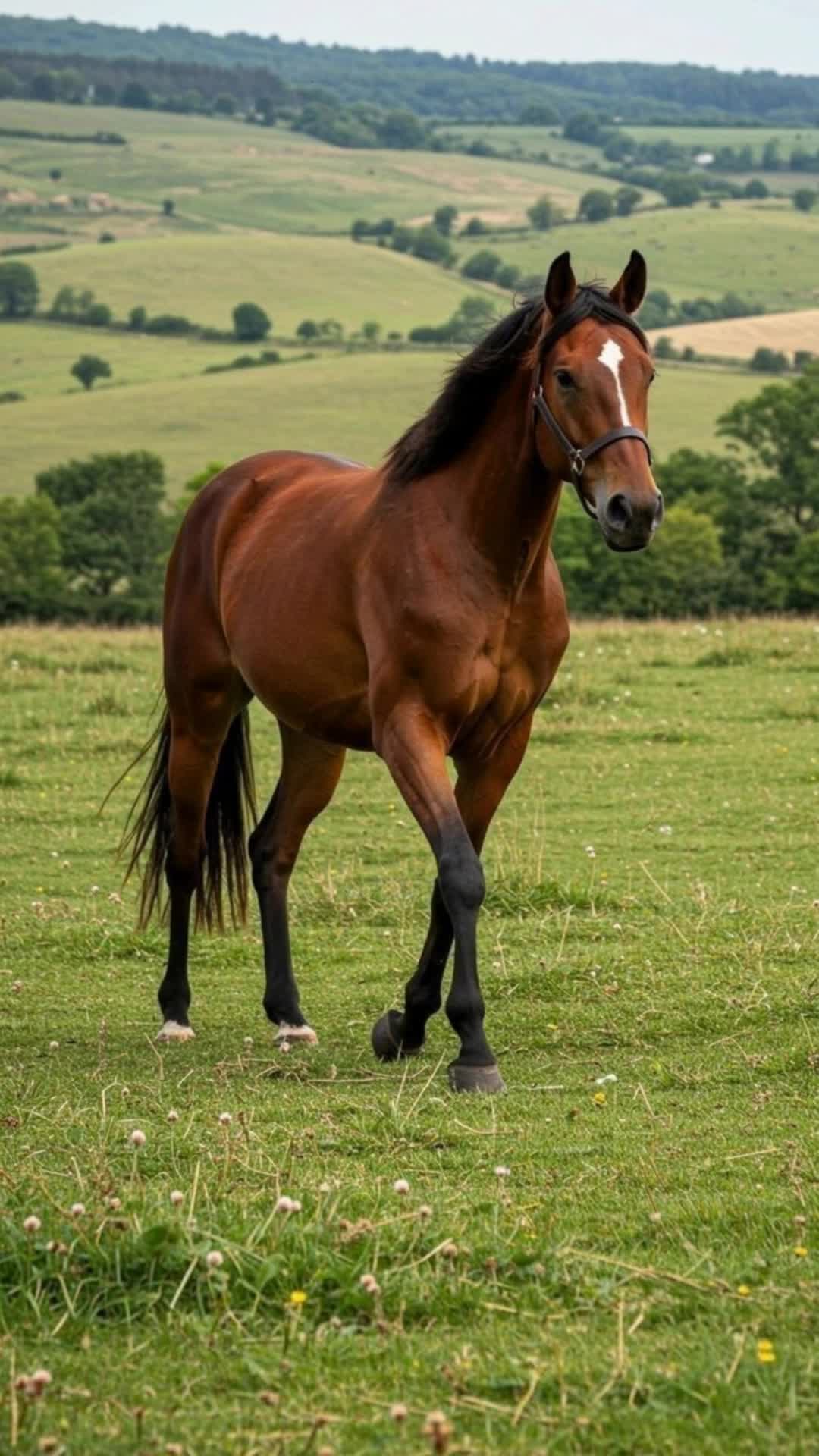
The video generator inside Lanta AI keeps your prompts, camera notes, and outputs together so you can iterate quickly.
Source: Lanta AI public reference at capture time. Performance, licensing and service claims are not independently verified here; examples are not project generations.
Kling AI Video Generator Features
Kling AI Features
Use the available Kling 2.6 controls to shape short clips from a prompt or source image.
Kling 2.6 quality
Kling 2.6 is the model preselected on this page for text-to-video and image-to-video generation.
Text or image input
Begin from a written scene description or upload an image to use as the starting frame.
Motion cues in prompts
Describe camera direction and subject movement in the prompt to guide how the shot develops.
Cinematic framing
Use terms such as wide shot, close-up, shallow depth of field, or aerial view to describe the framing you want.
Style consistency
Reuse prompt structure and generation settings when comparing variations of the same idea.
Clip and audio options
Choose a 5- or 10-second duration and turn generated audio on or off before submitting.
Source: Lanta AI public reference at capture time. Performance, licensing and service claims are not independently verified here; examples are not project generations.
Kling AI Motion Control
Kling AI Motion Control
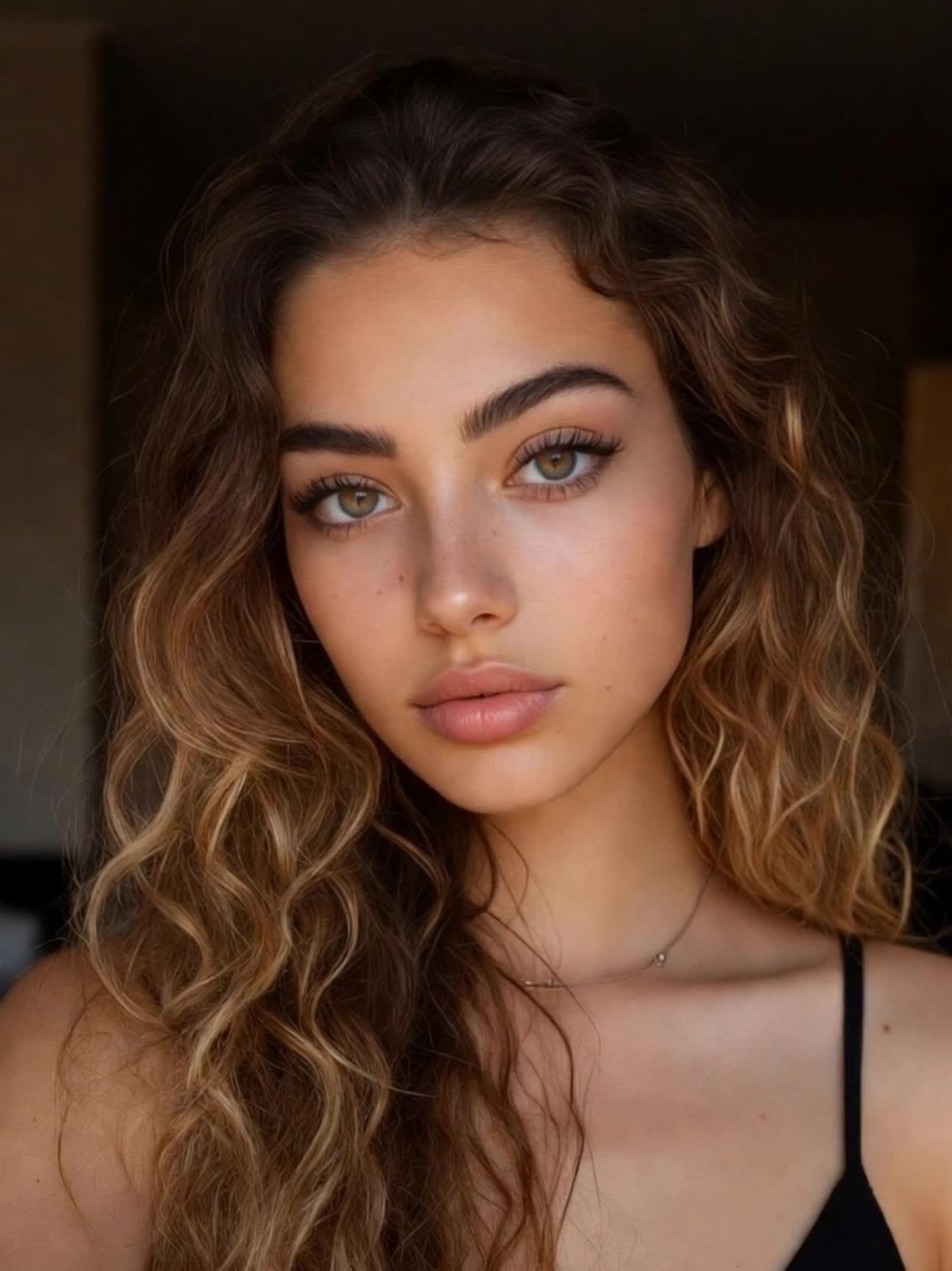
Kling AI motion control turns plain prompts into dynamic shots.
Describe camera direction and subject movement, and the model translates it into smooth motion.
Camera direction
Guide the scene with phrases such as “slow pan left,” “orbital camera move,” or “handheld follow.” Results can vary between generations.
Subject behavior
Describe your subject’s movement with precision. The model can animate walking, jumping, product rotation, or environmental motion to create a grounded scene.
Source: Lanta AI public reference at capture time. Performance, licensing and service claims are not independently verified here; examples are not project generations.
Kling AI Prompt Guide
Kling AI Prompt Guide
Use a simple prompt structure for consistent results: subject, action, environment, camera, and motion control cues.
Start with a clear subject and action.
Add environment and lighting details that match your brand.
Specify camera perspective and motion if you want dynamic energy.
01
Subject + action
Identify the hero and the main movement.
02
Environment + lighting
Set the mood with location and light cues.
03
Camera language
Call out lens, shot size, or perspective.
04
Motion control
Describe pans, pushes, or tracking moves.
05
Style notes
Define texture, color palette, or genre.
06
Format + duration
Lock in aspect ratio and clip length.
Subject + action + environmentLighting and color paletteCamera lens or shot typeKling AI motion control directionOutput format and duration
Kling AI prompt example
Kling AI video generator prompt:
Subject: a sleek electric scooter on a wet city street
Action: slow glide forward, subtle water spray
Environment: neon reflections, rainy evening, cinematic bokeh
Camera: low angle tracking shot, 35mm lens
Kling AI motion control: steady dolly push, gentle pan right
Style: high-contrast, premium tech commercial

Source: Lanta AI public reference at capture time. Performance, licensing and service claims are not independently verified here; examples are not project generations.
Kling AI Models
Kling AI 2.6 on Lanta AI
This page is configured for Kling 2.6. Other Kling versions are separate options elsewhere on Lanta AI.
Kling AI 2.6
Generate 5- or 10-second clips from text or an image. The current generator uses 720p output and offers optional generated audio.
Credits and settings
The generator shows the current credit cost before you submit. Cost changes with clip length and whether generated audio is enabled.
Source: Lanta AI public reference at capture time. Performance, licensing and service claims are not independently verified here; examples are not project generations.
Kling AI Video Generator Use Cases
Kling AI Use Cases
The Kling AI video generator adapts to many workflows.
Social and short-form
Create scroll-stopping clips for TikTok, Reels, and Shorts. The model keeps motion smooth and supports vertical framing.
Product demos
Use the generator to show features, rotate products, and highlight materials. It is ideal for ecommerce and tech launches.
Brand campaigns
Develop mood-driven sequences with consistent style. The model helps marketing teams maintain brand cohesion.
Creative exploration
Experiment with genre, lighting, and camera language. The tool gives you a low-risk space to test ideas.
Source: Lanta AI public reference at capture time. Performance, licensing and service claims are not independently verified here; examples are not project generations.
Why Lanta AI for Kling AI
Kling AI Production Workflow
Use Kling 2.6 in the same browser workflow as your prompts, source images, settings, and generated clips.
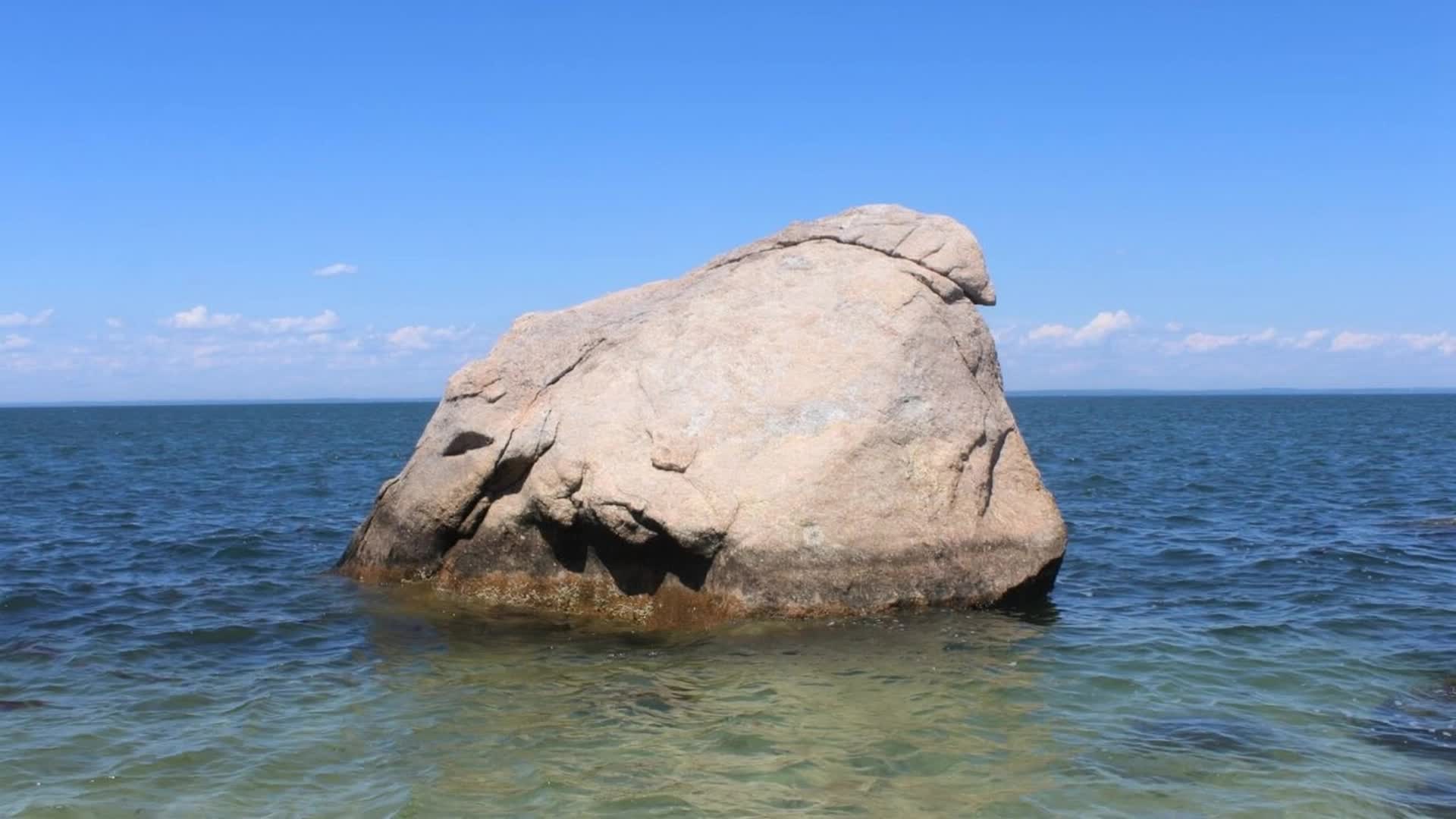
Browser-based generation
Open the Kling AI generator in your browser without installing video editing software.
Fast iteration loops
Review generated clips in the history panel and reuse a previous setup when you want another variation.
Source: Lanta AI public reference at capture time. Performance, licensing and service claims are not independently verified here; examples are not project generations.
Explore Kling models
Compare the Kling workflows available on Lanta AI.

Source: Lanta AI public reference at capture time. Performance, licensing and service claims are not independently verified here; examples are not project generations.
Compare other video models
Explore related workflows and choose a model that fits your next video.


Source: Lanta AI public reference at capture time. Performance, licensing and service claims are not independently verified here; examples are not project generations.
Kling AI Video Generator on Lanta AI FAQ
Create with Kling AI
Create a 5- or 10-second Kling 2.6 video from text or an image, review the credit cost, and refine the prompt when you need another variation.
Create with Kling AISource: Lanta AI public reference at capture time. Performance, licensing and service claims are not independently verified here; examples are not project generations.