| Comparison Point | GPT Image 1.5 | GPT Image 2.0 |
|---|
| Prompt following | Good at understanding the overall direction and staying close to the core idea. | Follows more detailed instructions for text placement, object relationships, format, and design style. |
| Image editing | Useful for editing existing images while trying to preserve faces, products, logos, or backgrounds. | Can edit images too, but stands out more when building complete visual assets. |
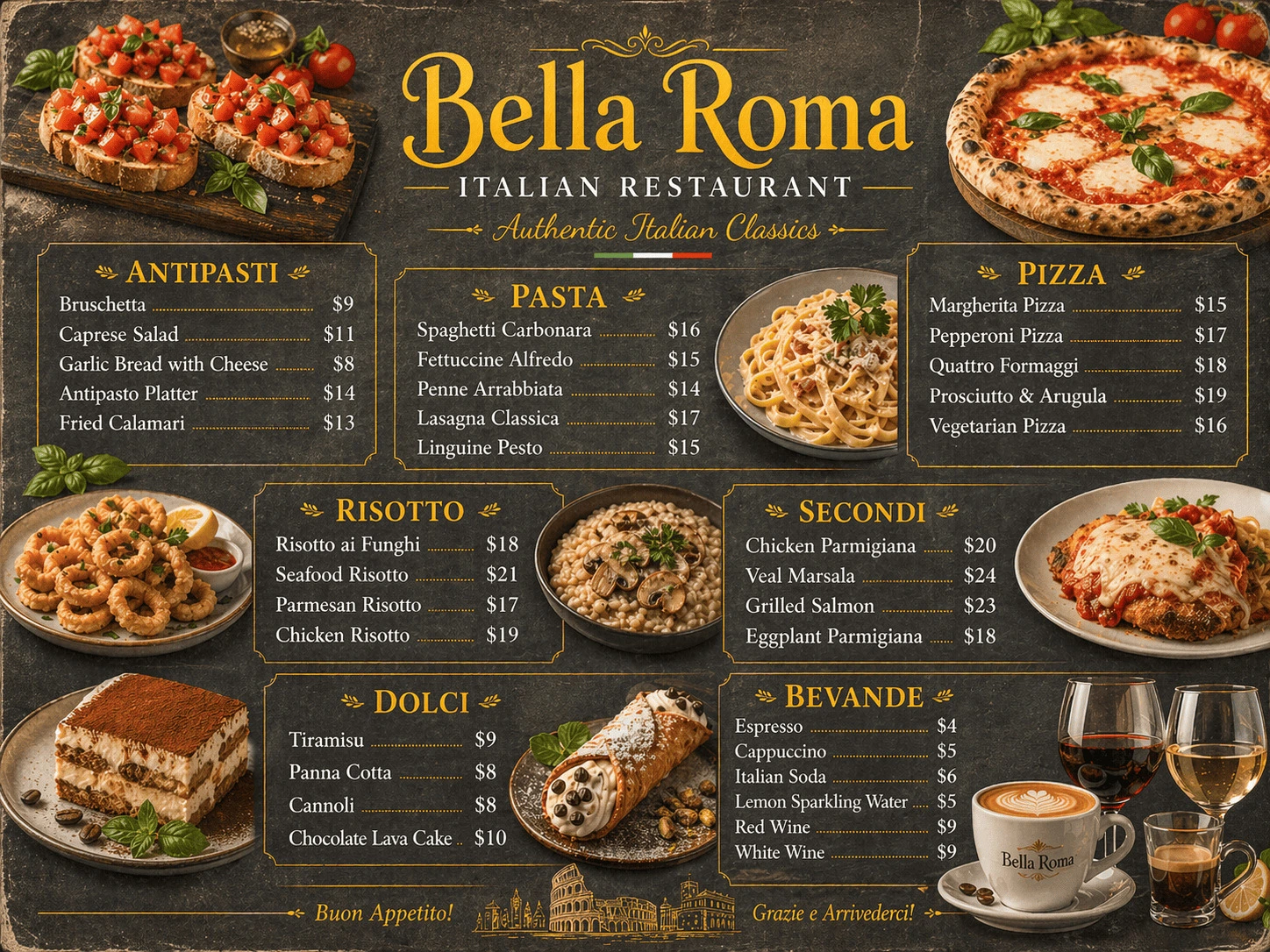
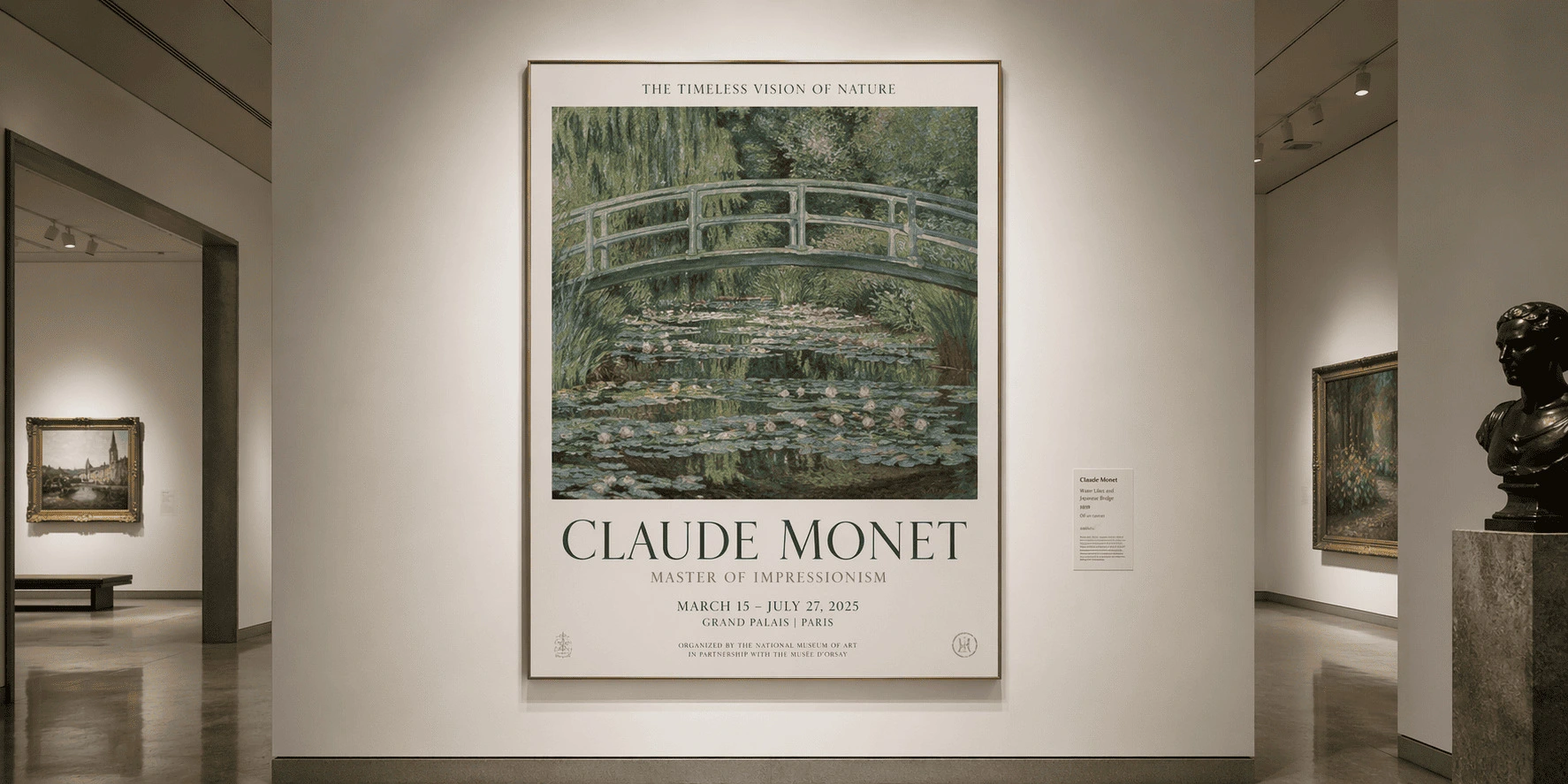
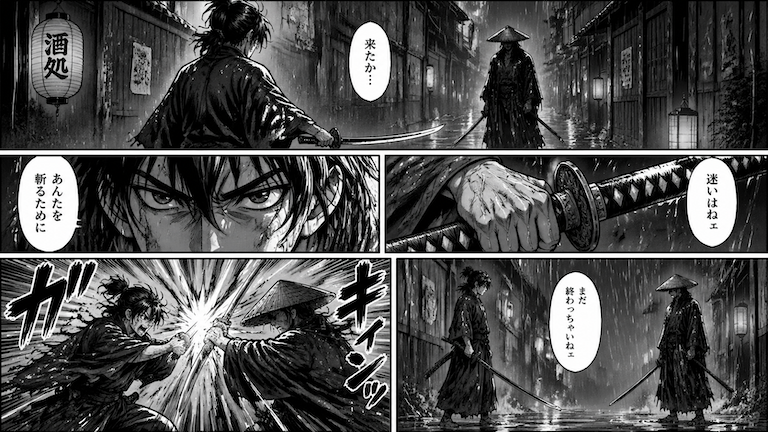
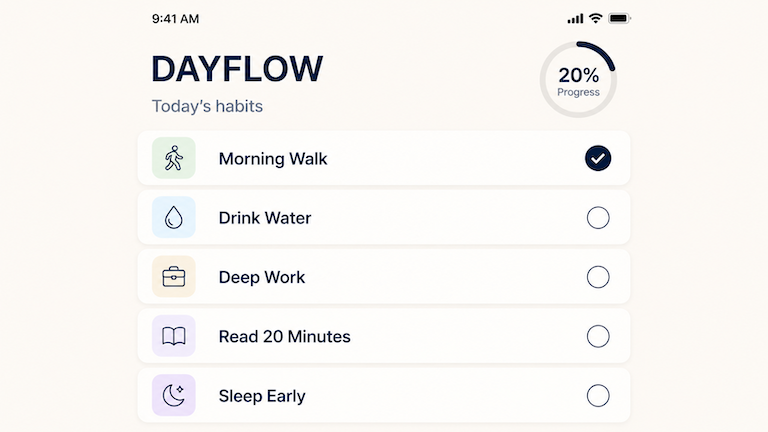
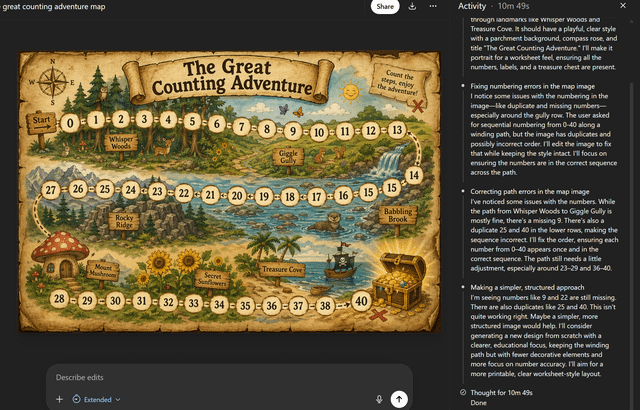
| Text in images | Can handle short text, but small, long, or dense copy still breaks easily. | Better suited to posters, labels, UI copy, infographics, menus, and comics. |
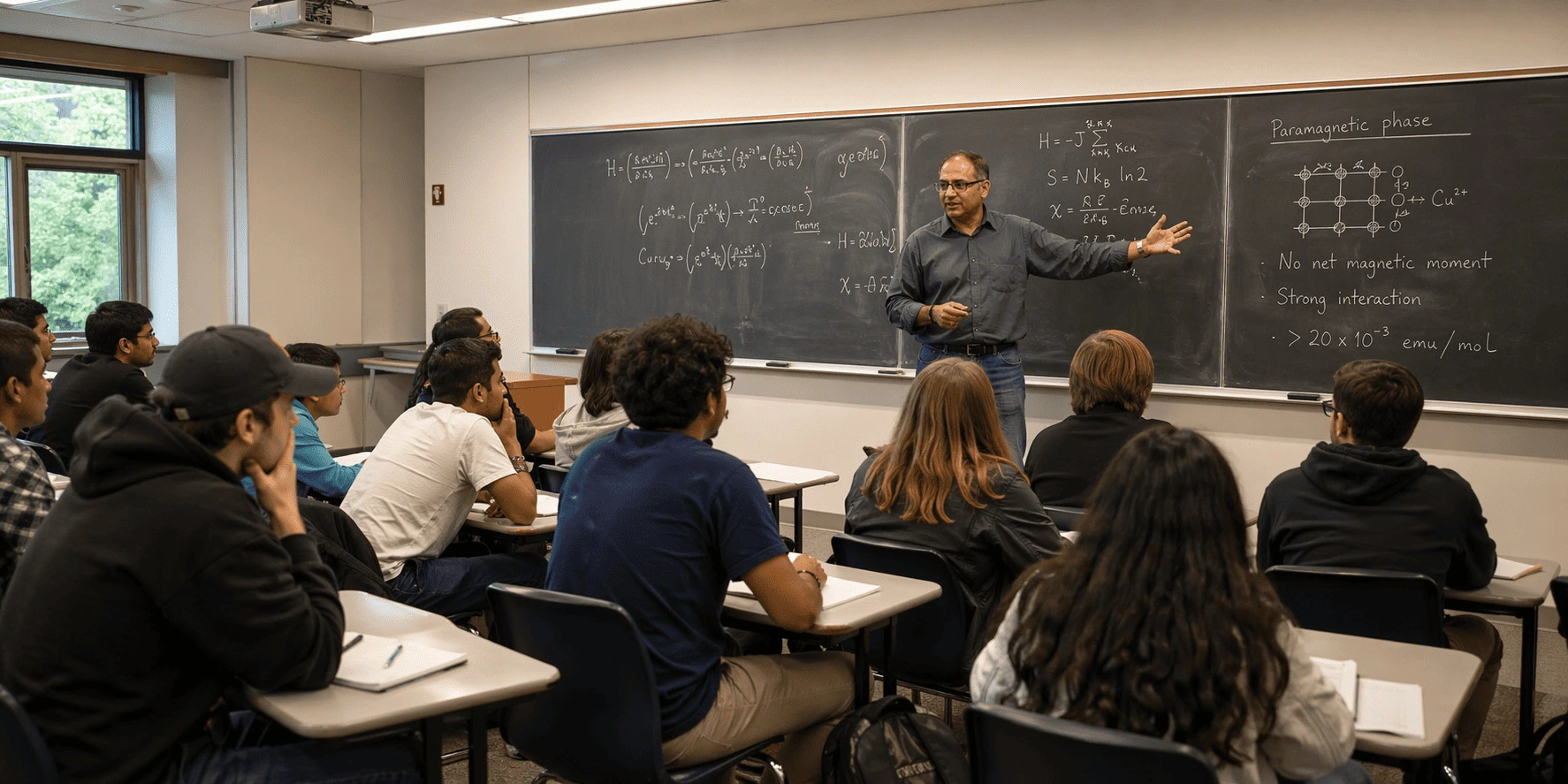
| Multilingual text | More stable with English and other Latin-script languages. | Stronger with non-Latin scripts such as Chinese, Japanese, Korean, Hindi, and Bengali. |
| Format flexibility | Reliable for common image formats. | Adapts better to posters, mobile screens, social crops, and presentation layouts. |
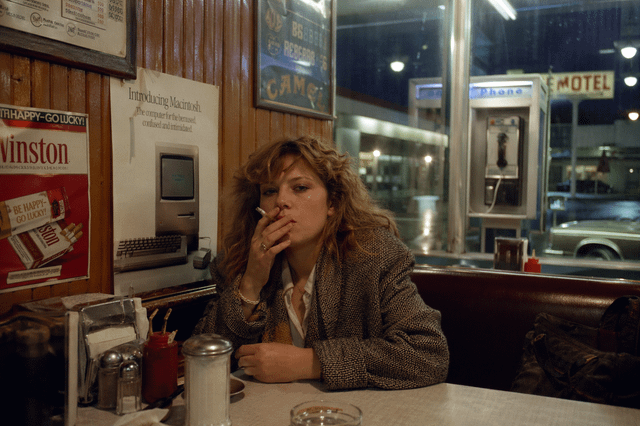
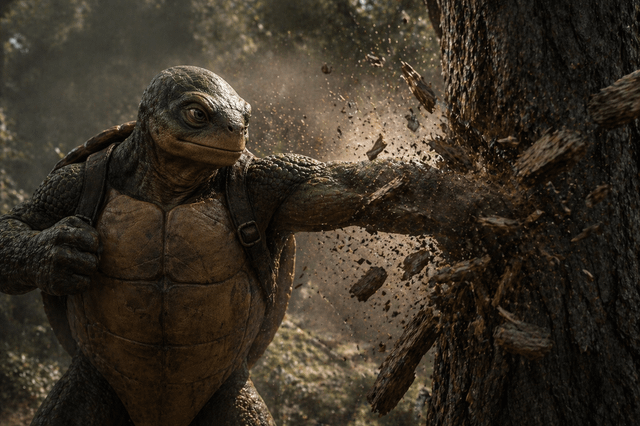
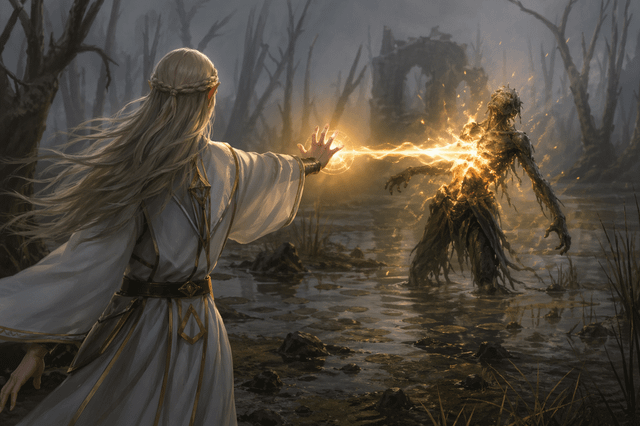
| Style control | Produces stable realistic images compared with earlier models. | Handles a broader range of looks, including photography, cinematic stills, pixel art, and manga. |
| Character consistency | Works for simple character images, but identities may drift across variations. | Does a better job keeping characters recognizable across angles and iterations. |
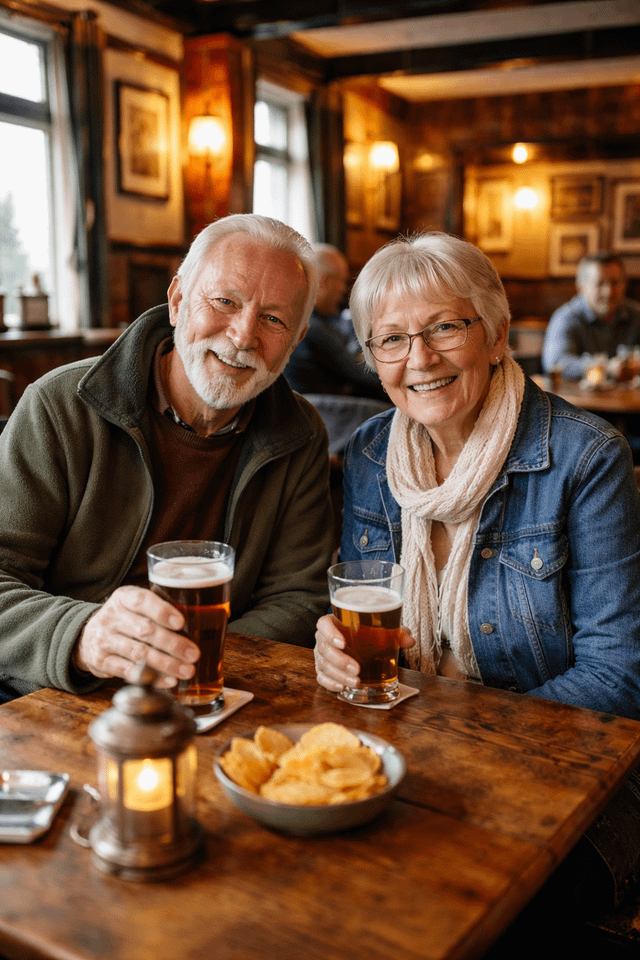
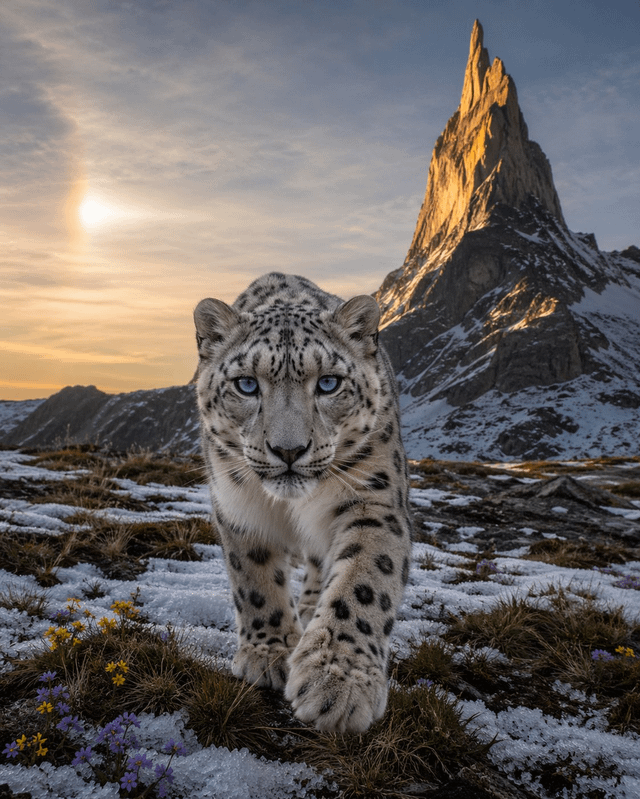
| Realism | Creates realistic images with dependable output. | Adds more natural lighting, material texture, minor imperfections, and small real-world details. |
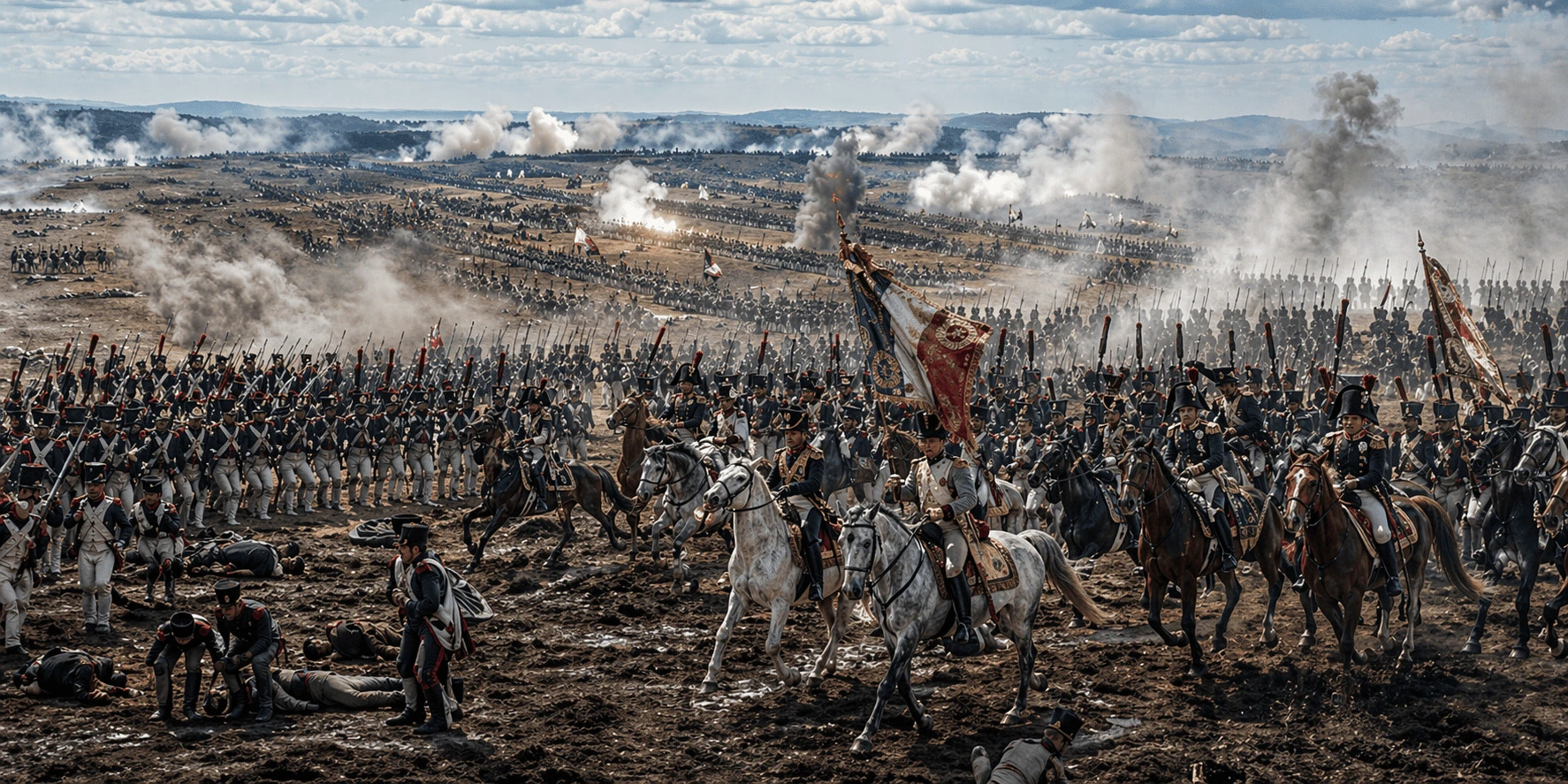
| Complex scenes | Works best with simpler compositions. | Handles denser scenes with more objects, layout logic, and embedded text. |
| Local edits | Strong for broad edits while preserving the key structure of an image. | Useful for edits too, but tiny local changes may still need retries. |