MMakeup AI
Login to get 3 credits
HomeCommunityMy Creations

AI Video

AI Video GeneratorVideo EffectsAI DanceNew

AI Image

AI Image GeneratorImage Effects

Featured

HappyHorse 1.0Seedance 2.0GPT ImageAI MakeupImage StylerLip SyncAI Age Progression
Live & part try-onLive Try-OnLipstickFoundationBlushEyeshadowEyelinerMascaraBrowsContourHighlight
Pricing

Preparing local preview…

Features

AI Video GeneratorAI DanceAI Image GeneratorToolsImage to VideoText to VideoVideo to VideoAI MakeupLip SyncVideo to Ghibli StyleImage to Ghibli StyleImage EffectsVideo Effects

Video Effects

AI Kissing Video GeneratorAI French Kiss Video GeneratorAI Hug Video GeneratorAI Muscle VideoEarth Zoom Out

AI Guides & Learning

AI Creation GuidesAI Image to Video GuideAI Image Creation GuideBlog

Models

Video ModelsImage ModelsSeedance 2.0Happy Horse 1.0Kling 3.0Kling AIGrok ImagineSora 2Wan 2.2Veo 3GPT Image 2Nano Banana Pro

About & Trust

Sign inAbout Makeup AIRefund PolicyPrivacy NoticeTerms of ServiceContent Moderation PolicyCookiesDMCA
MMakeup AICopyright © 2026 Makeup AI
MMakeup AI
Login to get 3 credits
HomeCommunityMy Creations

AI Video

AI Video GeneratorVideo EffectsAI DanceNew

AI Image

AI Image GeneratorImage Effects

Featured

HappyHorse 1.0Seedance 2.0GPT ImageAI MakeupImage StylerLip SyncAI Age Progression
Live & part try-onLive Try-OnLipstickFoundationBlushEyeshadowEyelinerMascaraBrowsContourHighlight
Pricing
HomeToolsAI YouTube Banner Maker
Prompt-Led Channel Branding

AI YouTube Banner Maker

Turn a channel idea into a YouTube banner concept with a prompt and a 16:9 canvas.

Generate a visual direction, keep essential text within YouTube's safe area, then check the downloaded image against the official upload requirements before publishing.
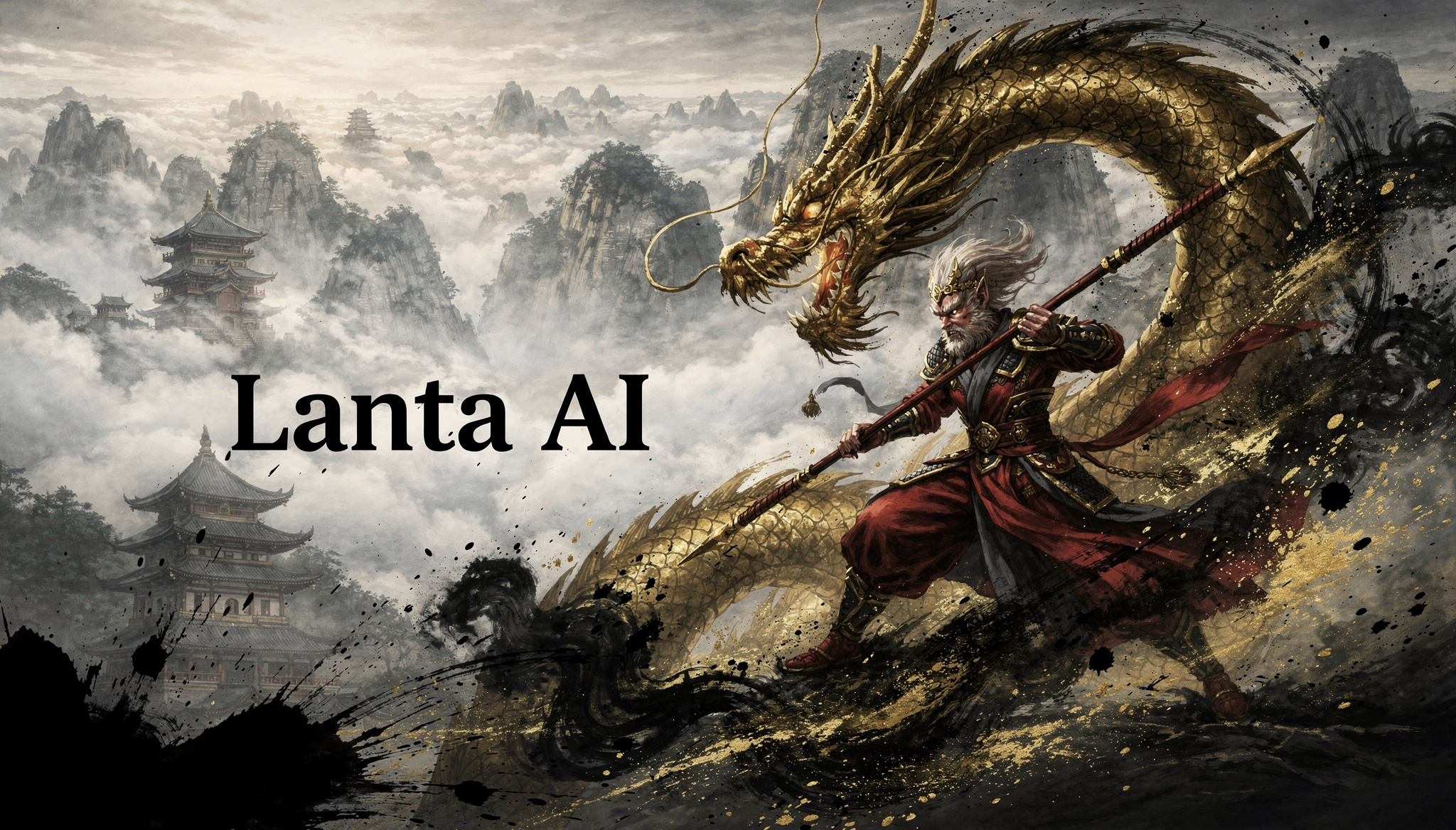
2K and 16:9 controls
Credit cost shown before generation
AI-generated YouTube channel banner preview
Banner Example

Creator Channel Header

Lanta AI public reference · examples and service claims belong to the source; generation is unavailable here.

AI YouTube Banner Maker

Resolution
Ratio

Local parameter and file preview only. No upload, generation, or credits used.

Lanta public examples, separate from account creations

Lanta public example 1
Lanta public example 2
Lanta public example 3
Lanta public example 4
Lanta public example 5
Lanta public example 6
Practical Guide

Create AI Banners in 3 Steps

Use this workflow to create a banner concept, protect the central text area, and prepare the final file for YouTube.

01

Set Size and Format

Start with the generator's 16:9 setting. Plan important text and logos inside YouTube's 1235 × 338 px safe area.

02

Write a Clear Prompt

Add your channel name, niche style, and key visual direction. Short and specific prompts produce cleaner results.

03

Generate and Finalize

Compare the generated versions, download the strongest concept, then resize or refine it as needed to meet YouTube's upload specifications.

Lanta AI public reference · examples and service claims belong to the source; generation is unavailable here.

Creative Ideas

YouTube Banner Prompt Inspiration

Explore practical prompt ideas for different creator niches and start your creation.
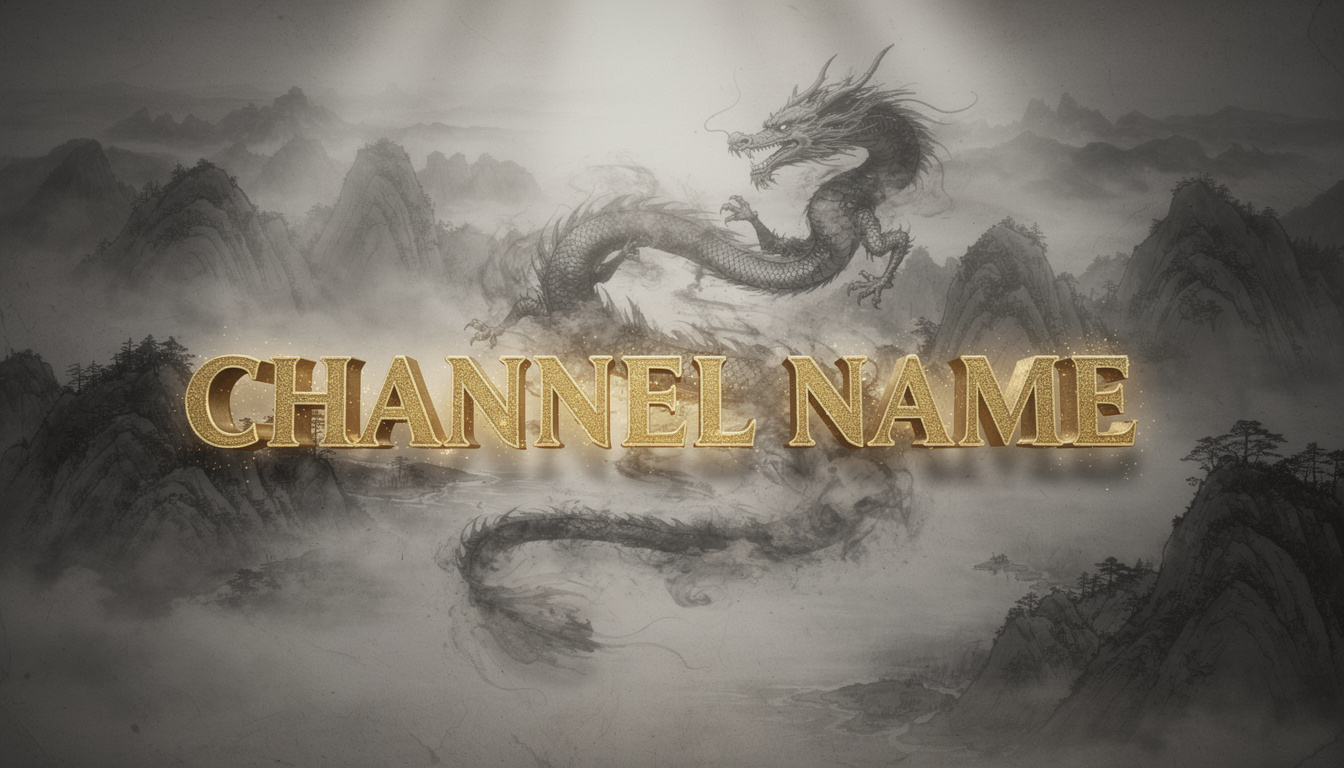
Folklore & Wuxia

Folklore & Wuxia

Prominent [LARGE BOLD GOLDEN CALLIGRAPHY CHANNEL NAME] in the safe central area. Background: an ink-wash scroll with a smoke dragon winding through mountains. Cinematic directional lighting, wide 16:9 composition.
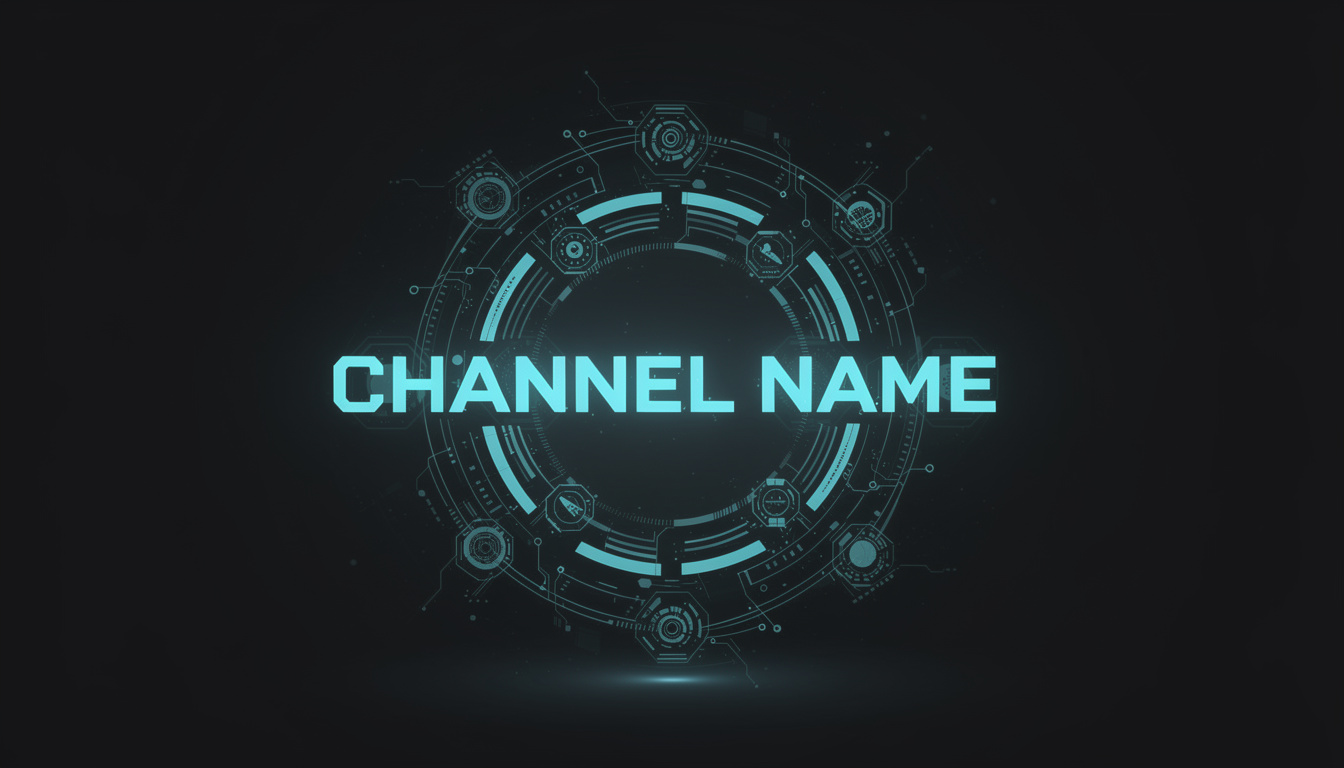
AI & Tech Pros

AI & Tech Pros

Boldly feature [GLOWING CYAN SCI-FI FONT CHANNEL NAME] at the center, surrounded by high-precision holographic tech nodes. Soft volumetric lighting. Minimalist geek aesthetic.
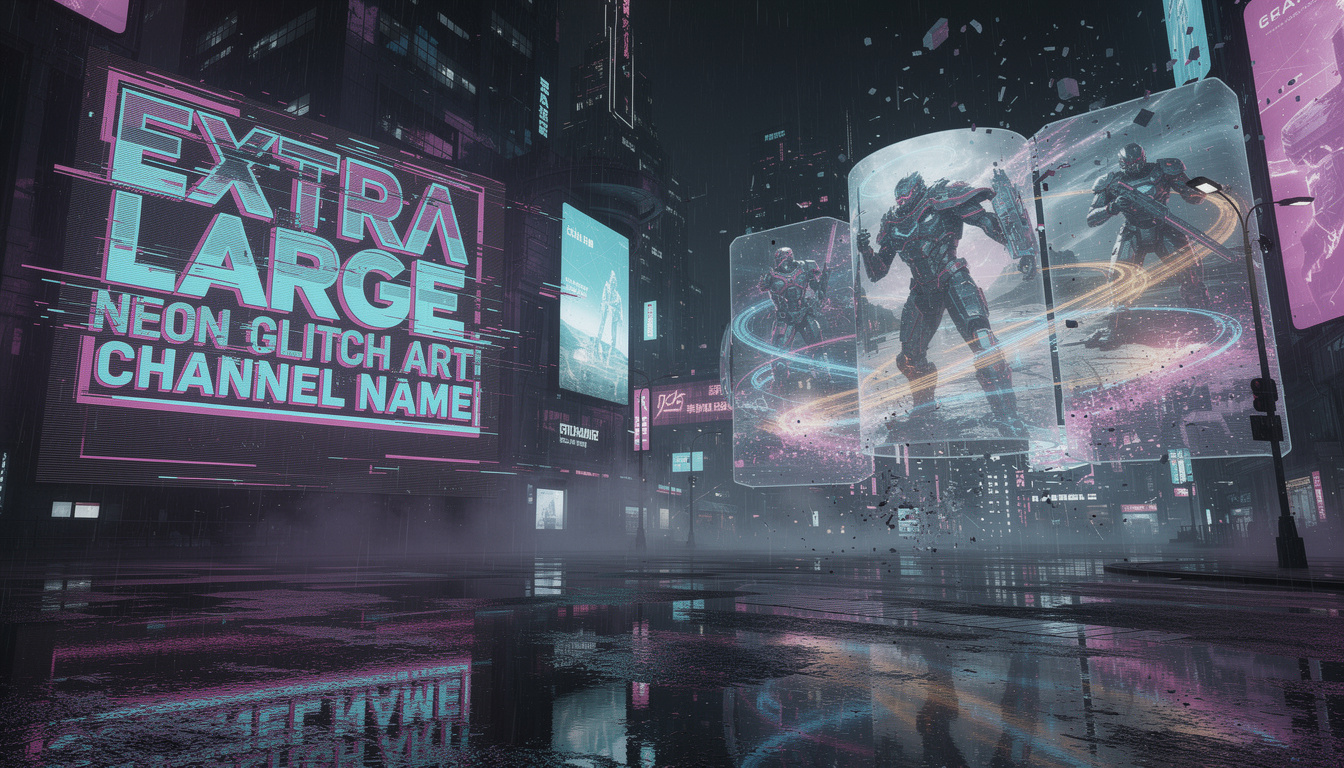
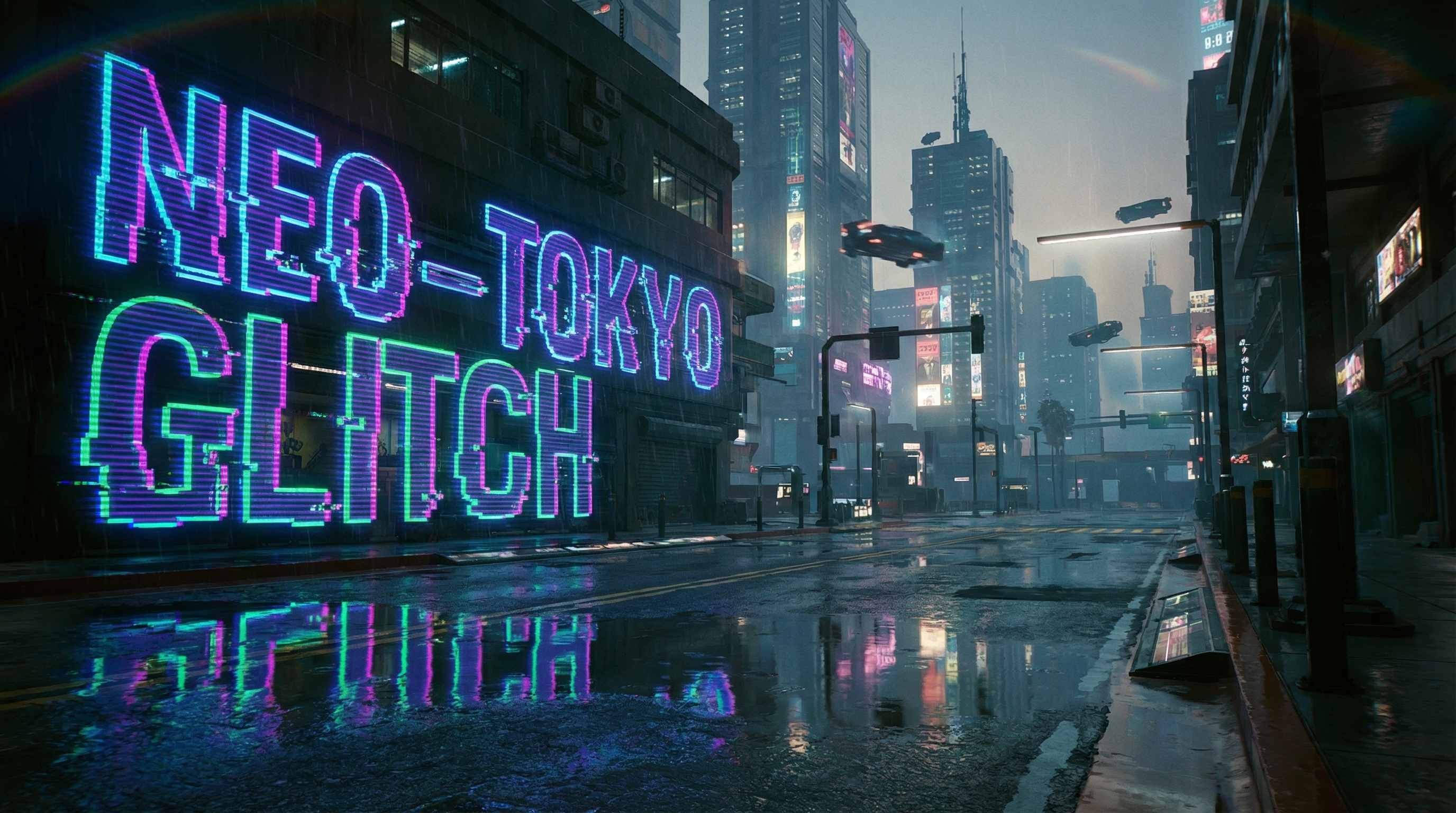
Gaming & Esports

Gaming & Esports

Prominent [EXTRA LARGE NEON GLITCH ART CHANNEL NAME] on the left. Background is rain-slicked cyberpunk streets with neon reflections. Epic immersive gaming visuals.
Hardcore Fitness

Hardcore Fitness

Striking [ENORMOUS STEEL-TEXTURED CHANNEL NAME] centered in a rugged frame. Background is charcoal industrial gym with molten orange neon and heavy chains. Epic power aesthetic.
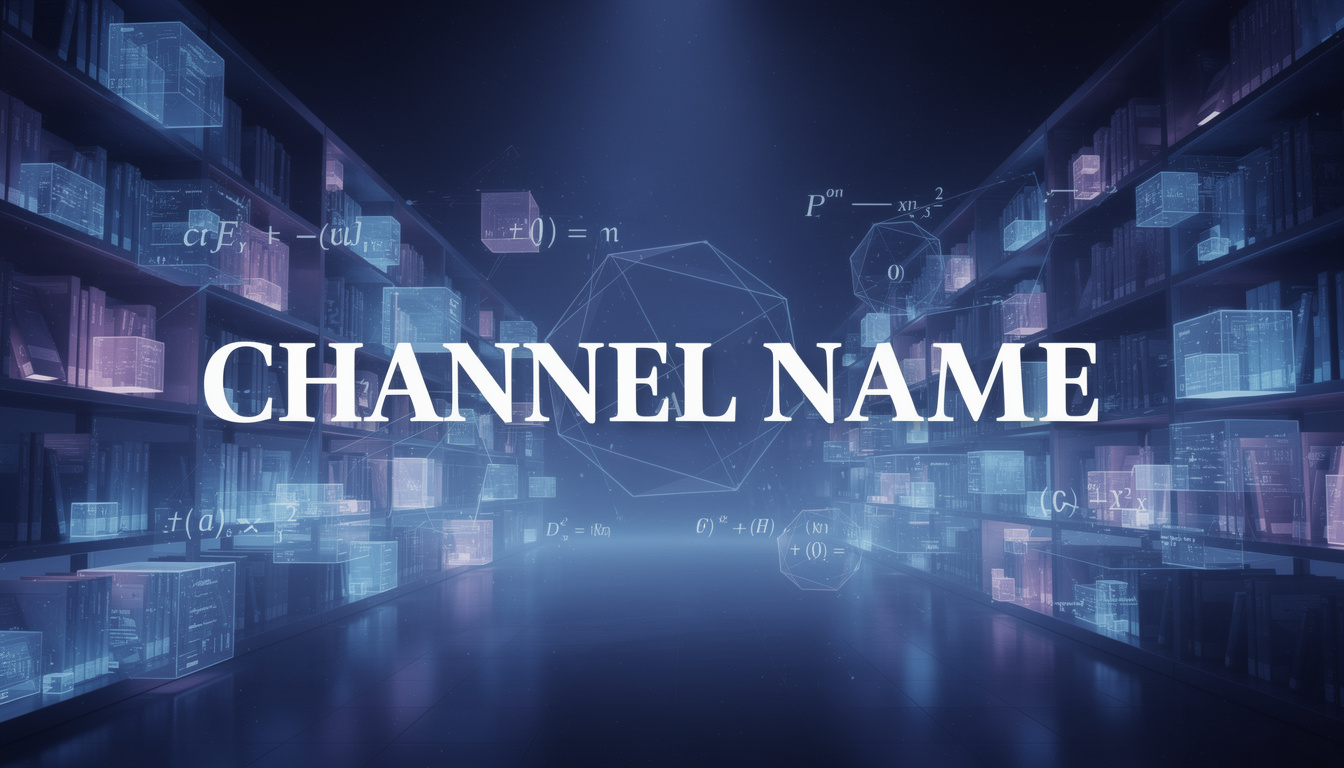
Future Education

Future Education

Primary [EXTRA LARGE ELEGANT WHITE FONT CHANNEL NAME] in the center. Background is deep indigo space-blue digital library with shimmering geometric formulas. Impactful wisdom space.
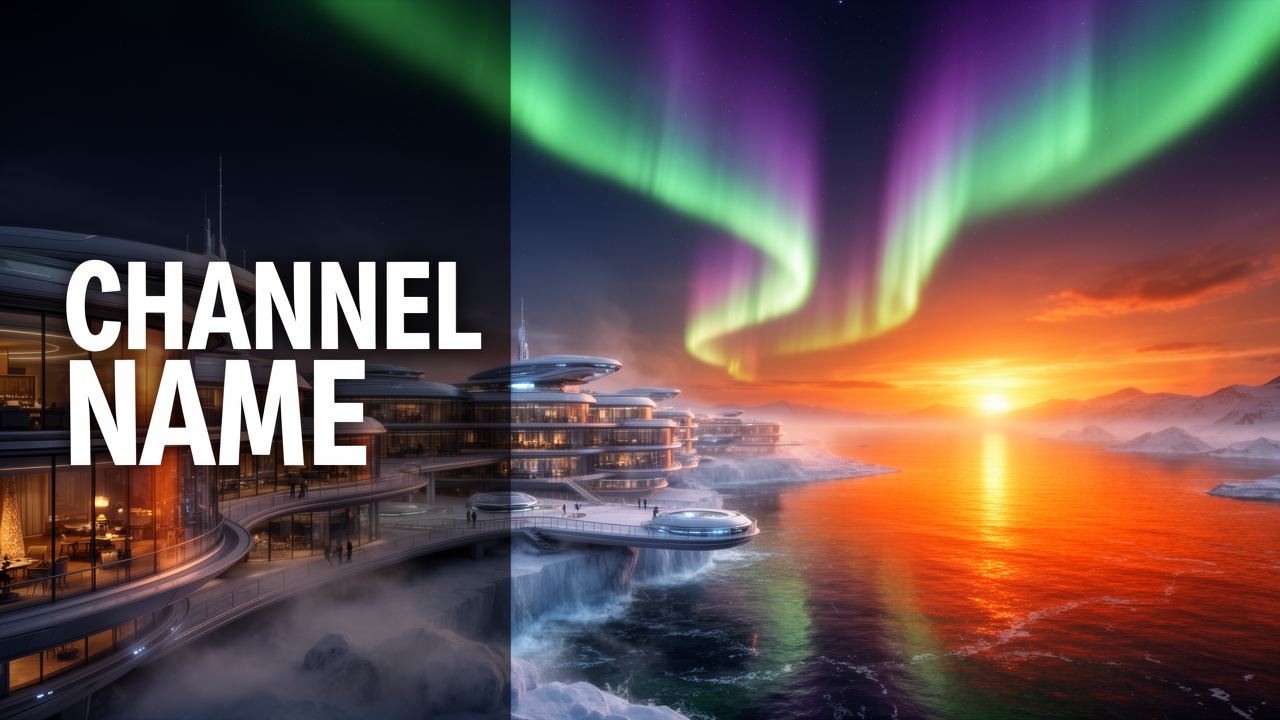
Luxury Travel

Luxury Travel

Prominent [EXTRA LARGE MINIMALIST WHITE CHANNEL NAME] on the far left. Background is futuristic polar resort at sunset, fiery orange sea reflections and aurora. Top cinematic quality.

Lanta AI public reference · examples and service claims belong to the source; generation is unavailable here.

Practical Features

Core Features

Generate and compare channel-art concepts while keeping YouTube's display crops and upload requirements in view.

Flexible Composition Control

Use prompts to place the main subject near the center or to one side. Select 16:9 in the generator, then check the downloaded result against YouTube's crop previews.

  • Describe the focal point
  • 16:9 generation setting
  • Room for later crop adjustments

Styles for Mainstream Niches

Describe a niche such as gaming, technology, education, or travel to guide the palette, composition, and visual tone.

  • Prompts for gaming, business, or education
  • Visual tones from minimal to vibrant
  • Brand colors and motifs in the prompt

Rapid Visual Concept Testing

Generate a concept draft in the browser. Try different prompts to compare compositions and color schemes before preparing the final upload file.

  • Generate multiple concept drafts
  • Easy prompt tweaking and re-generation
  • Compare multiple directions before uploading

Downloadable Image Results

The generator provides 2K and 16:9 controls, but it does not guarantee an exact 2560 × 1440 file. Download your result, then verify its pixel dimensions, crop, format, and file size before uploading to YouTube.

  • 2K generation option
  • Download from generation history
  • Final specification check before upload

Lanta AI public reference · examples and service claims belong to the source; generation is unavailable here.

Use Cases

YouTube Banner Creative Scenarios

Lanta AI fits into any creator's workflow, whether you're building a tech brand or a travel vlog.

Gaming & Esports

Explore high-energy glitch art for a streaming identity, esports team banner, or individual gaming channel.

Culture & Storytelling

Build an atmospheric visual direction for folklore, history, and other storytelling channels.

AI & Future Tech

Build professional credibility for your cutting-edge tech channel. Create futuristic, data-driven visuals that look advanced and well-thought-out.

Fitness & Coaching

Project strength and motivation. Ideal for personal trainers and gym channels looking for gritty imagery that emphasizes energy and power.

Academic & Education

Establish authority and trust immediately. Designed for educators to create structured, clean, and inspiring visuals that highlight their mission.

Travel & Lifestyle

Capture your unique vibe with scenic aesthetics. Helps creators maintain a consistent, premium 'cinematic' feel across their channel header.

Lanta AI public reference · examples and service claims belong to the source; generation is unavailable here.

Official Standards

YouTube Banner Size & Safe Area Guide

Use YouTube's current official dimensions as a final export checklist. The same banner is cropped differently across devices.

Minimum Upload Size
2048 x 1152 px
Official minimum channel banner size in a 16:9 ratio.
Safe Area for Text/Logo
1235 x 338 px
At the minimum upload size, keep the channel name, logo, and other essential content inside this central zone.
Recommended Size
2560 x 1440 px
YouTube's recommended dimensions, especially for TV displays.
Max File Size
6 MB
YouTube requires the banner file to be 6 MB or smaller.

Multi-Device Display Guide

TV View (2560x1440)
Desktop View
Mobile Safe AreaKeep key text here
TV
Desktop
Mobile (Safe Area)

At the 2048 × 1152 px minimum size, YouTube defines a 1235 × 338 px safe area for text and logos.

AI Pro Tip

Use prompt phrases like 'centered composition' and 'clean text zone' to improve readability in the safe area.

Visual Guide

Official references from YouTube Help:

YouTube channel banner guidelinesYouTube channel layout reference

Lanta AI public reference · examples and service claims belong to the source; generation is unavailable here.

FAQ

FAQ Answers

Practical answers about creating channel art and preparing it for YouTube.

The public reference answer has not been fully captured.

The public reference answer has not been fully captured.

The public reference answer has not been fully captured.

The public reference answer has not been fully captured.

The linked YouTube banner guidance specifies dimensions, cropping, and a 6 MB file-size limit, but it does not publish a separate list of banner formats. Export a standard still image and confirm the currently accepted file types in YouTube Studio before uploading.

No. This banner maker is provided by Lanta AI and is not affiliated with or endorsed by YouTube. The dimensions on this page link to YouTube's official Help Center.

You can describe logo placement in the prompt or use image-editing controls with a reference asset. Generative models may alter exact logo shapes or lettering, so verify brand assets and add precise typography in an editor when needed.

Lanta AI public reference · examples and service claims belong to the source; generation is unavailable here.

Related AI Tools

Explore related tools for channel visuals, style exploration, and image editing workflows.

AI Image GeneratorAI Image EditorAI Hair Color ChangerAI Graffiti GeneratorImage to Ghibli StyleAI Animate Image GeneratorAI Hug VideoAI Image to Video

Lanta AI public reference · examples and service claims belong to the source; generation is unavailable here.

Build Better Channel Art Start Creating

Turn your channel idea into a banner concept, then check the downloaded result against YouTube's official dimensions, safe area, format, and file-size requirements.

Try AI YouTube Banner Maker

Generation uses credits · The current cost is shown before you submit

Lanta AI public reference · examples and service claims belong to the source; generation is unavailable here.

Features

AI Video GeneratorAI DanceAI Image GeneratorToolsImage to VideoText to VideoVideo to VideoAI MakeupLip SyncVideo to Ghibli StyleImage to Ghibli StyleImage EffectsVideo Effects

Video Effects

AI Kissing Video GeneratorAI French Kiss Video GeneratorAI Hug Video GeneratorAI Muscle VideoEarth Zoom Out

AI Guides & Learning

AI Creation GuidesAI Image to Video GuideAI Image Creation GuideBlog

Models

Video ModelsImage ModelsSeedance 2.0Happy Horse 1.0Kling 3.0Kling AIGrok ImagineSora 2Wan 2.2Veo 3GPT Image 2Nano Banana Pro

About & Trust

Sign inAbout Makeup AIRefund PolicyPrivacy NoticeTerms of ServiceContent Moderation PolicyCookiesDMCA
MMakeup AICopyright © 2026 Makeup AI
MMakeup AI
Login to get 3 credits
MMakeup AI
Login to get 3 credits