Preparing local settings preview…
Vheer AI Video Generator
Create Vheer AI videos from text prompts or images with an easy online AI video generator. Upload a reference image, describe the motion you want, choose your settings, and turn your idea into a short, polished video in minutes.
Current form model: Lanta 2.1
Source: Lanta AI public page at capture time. The following performance, pricing, licensing and service statements belong to that source and are not independently verified here; examples are not project generations.
Unlimited Free Vheer AI Image to Video - Create Videos from Images and Prompts
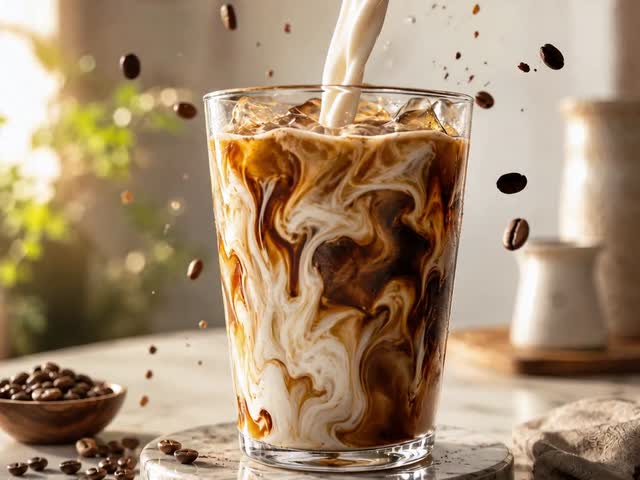
Have a product photo, anime character, portrait, food image, or scene idea you want to animate? Vheer AI Image to Video helps you turn still visuals into short AI clips without using a complex editing timeline. Upload an image, describe the motion you want, and generate a video with camera movement, lighting changes, background atmosphere, and natural scene motion. You can create product showcases, social media clips, cinematic previews, character animations, and quick concept videos from a single image or prompt. Instead of only making a picture move, the goal is to create a clip that feels usable: clear subject, smooth camera direction, stable style, and a result that fits TikTok, Reels, YouTube Shorts, landing pages, ads, or creative projects.
Source: Lanta AI public page at capture time. The following performance, pricing, licensing and service statements belong to that source and are not independently verified here; examples are not project generations.
Inside the Vheer AI Video Generator Built for Text-to-Video and Image-to-Video
A good Vheer AI video generator should do more than turn one frame into a moving image. It should help you control the scene, the motion, the camera, and the final format without forcing you to learn professional video software. You can start from either a prompt or an image. Use text-to-video when you want to create a scene from scratch. Use image-to-video when you already have a strong visual and want to bring it to life with motion. The process is simple: describe what should happen, choose the output style, and generate. You can create realistic product videos, anime clips, cinematic shots, lifestyle visuals, short ads, story previews, or quick social content from the same workspace.
Source: Lanta AI public page at capture time. The following performance, pricing, licensing and service statements belong to that source and are not independently verified here; examples are not project generations.
Create AI Video From Text With Synced Motion
Turn a written idea into a short Vheer AI Video without building every frame by hand. Describe the subject, action, background, lighting, and camera movement, then generate a clip that follows your direction. You can create a rainy cyberpunk street, a luxury product commercial, a fantasy forest scene, a food close-up, or a cinematic character moment from text alone. This is useful when you want to test a concept before making a full video, ad, storyboard, or social post.
Generate Now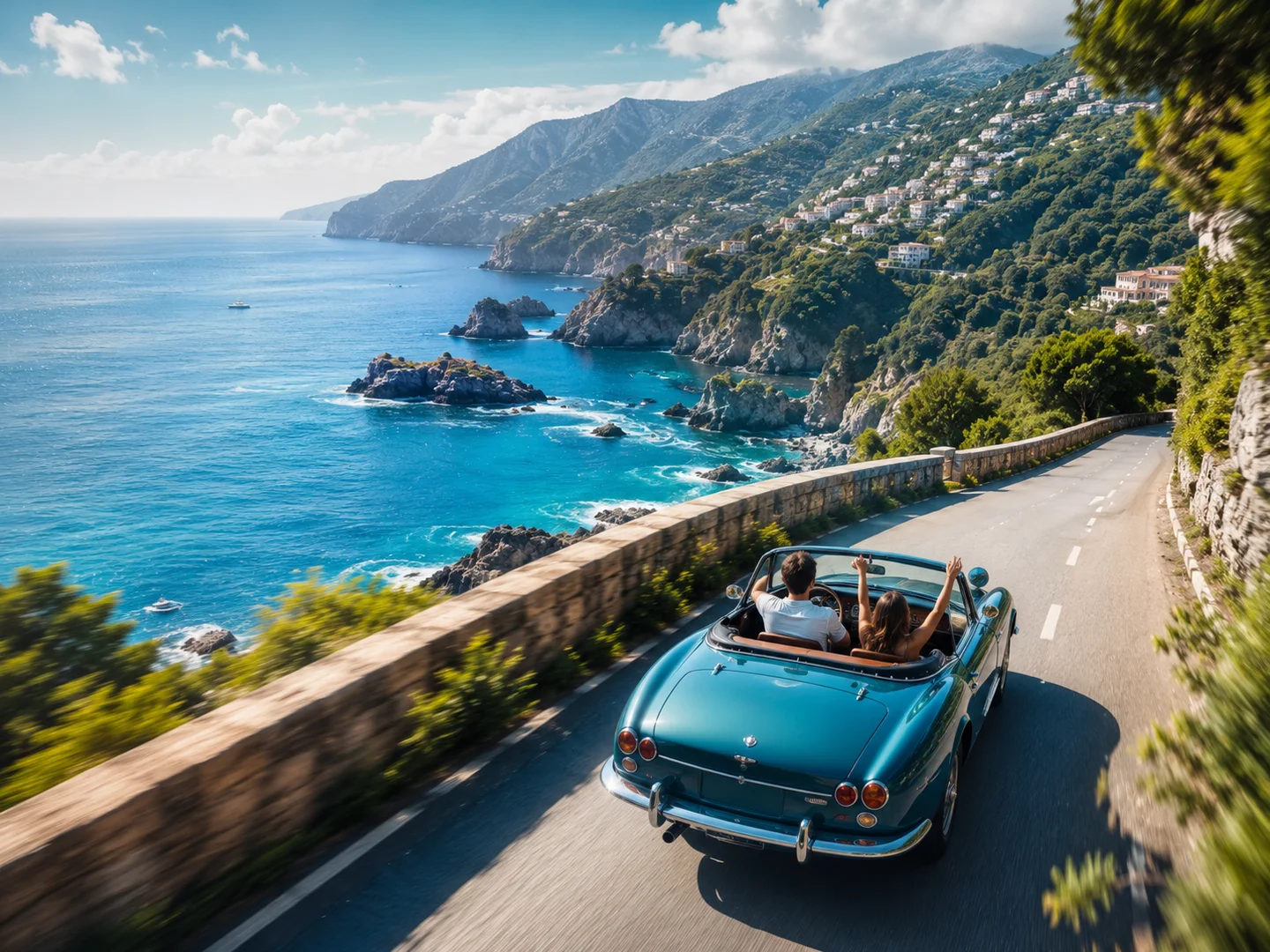
Turn Static Product Photos into Physics-Based Motion Videos
Product photos often look good, but motion makes them feel more premium and easier to use in marketing. With Vheer AI Video, you can turn a still product image into a short ad-like clip with camera movement, reflections, light sweeps, steam, mist, rotation, or background motion. This works especially well for ecommerce, product launches, paid ads, website hero sections, social media posts, and client previews. A perfume bottle can glow under studio lighting. A coffee cup can release warm steam. A sneaker can rotate with dramatic shadows. A skincare product can sit in soft natural light while the camera moves slowly toward it. The point is not just animation. The point is to make the product feel more alive, more polished, and more ready for real marketing use.
Generate Now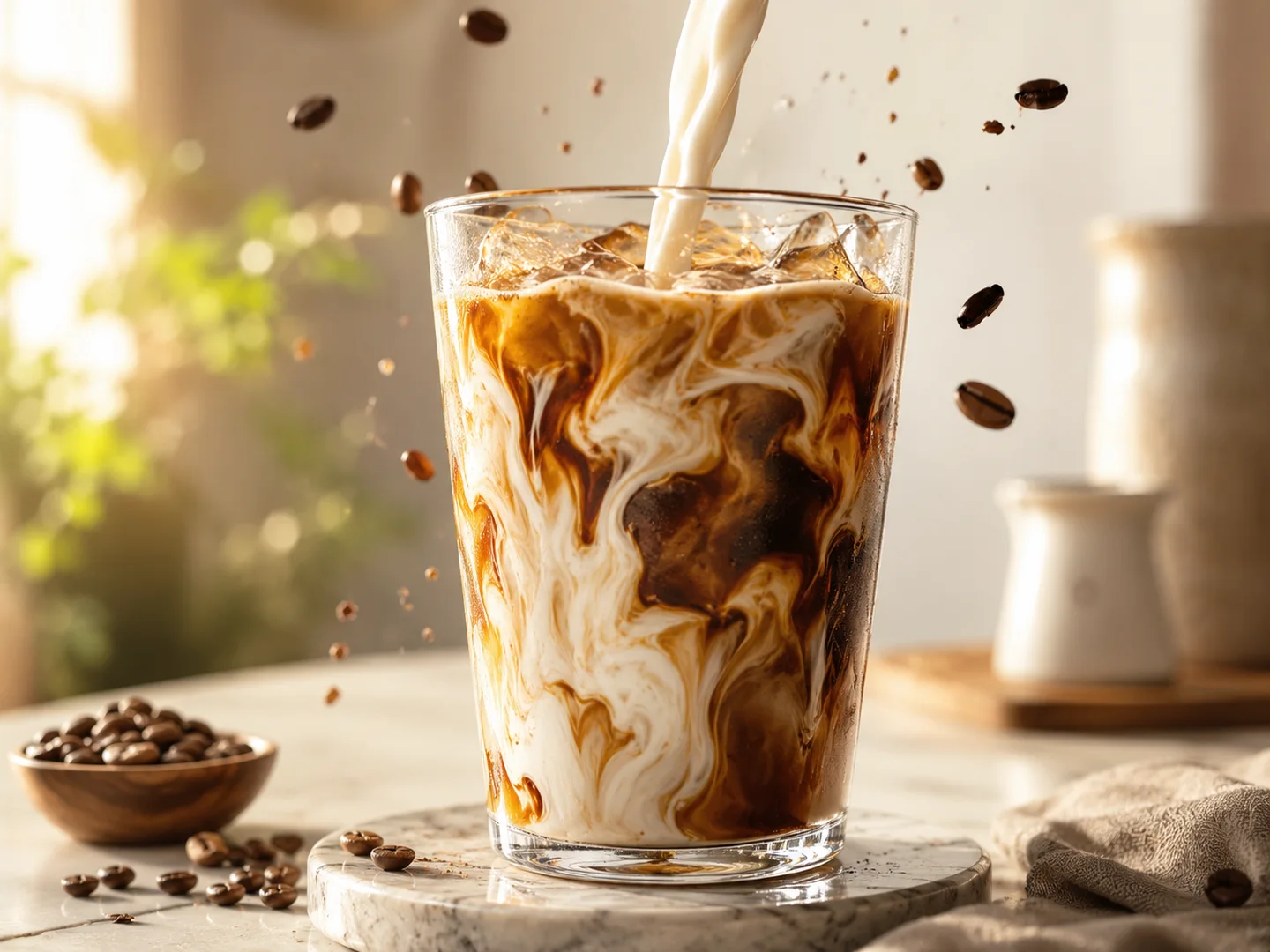
Use AI to Describe a Video Free and Pick Your Format
Not every user knows how to write a professional video prompt. Free Vheer AI image-to-video makes the process easier by letting you describe the result in simple, everyday language. Then choose the format based on where the video will be used. Use vertical video for TikTok, Reels, and Shorts. Use landscape for YouTube, websites, presentations, and ads. Use square or 4:5 for social feeds and product posts.
Generate Now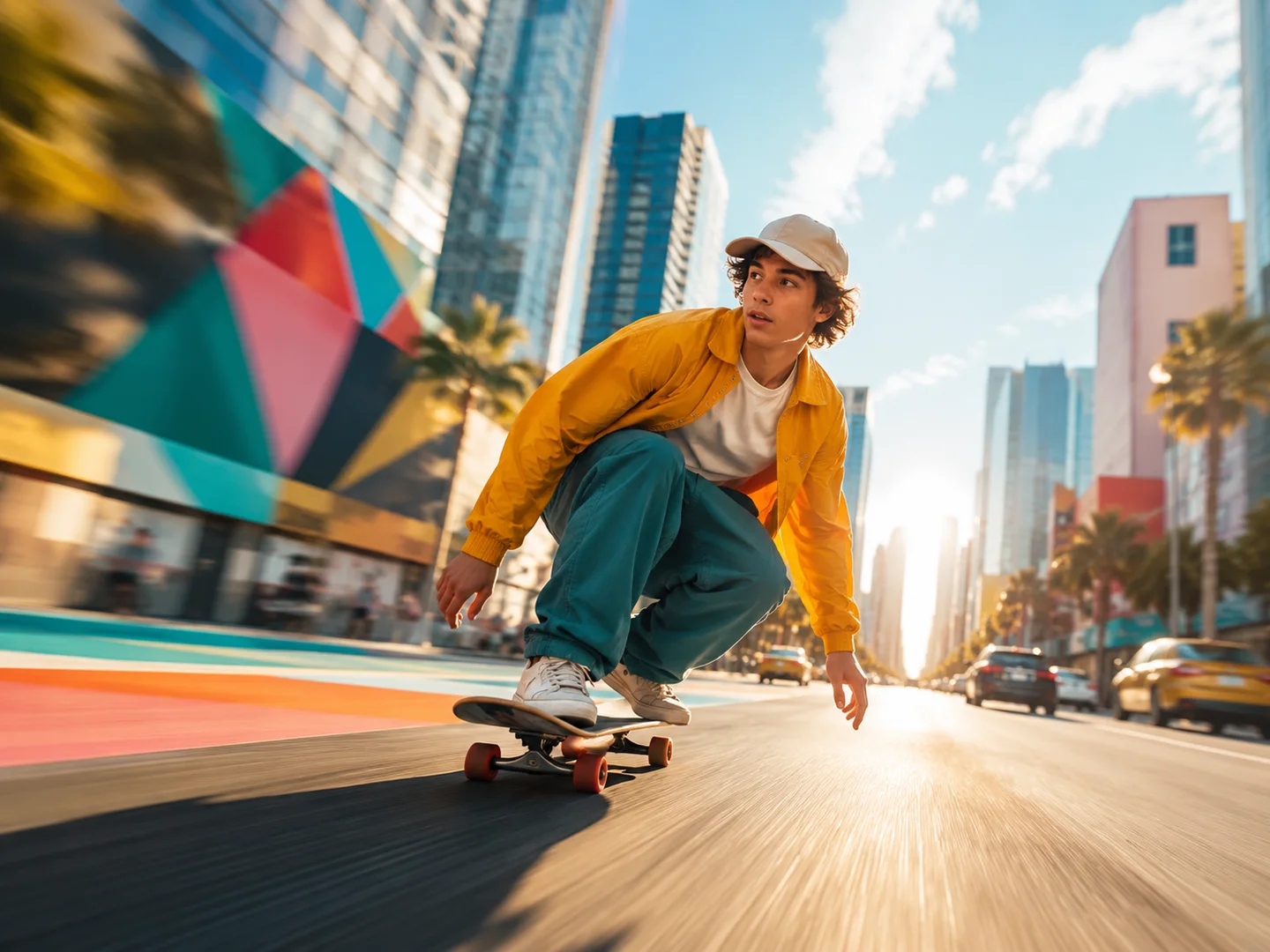
Source: Lanta AI public page at capture time. The following performance, pricing, licensing and service statements belong to that source and are not independently verified here; examples are not project generations.
Text to Video in Three Simple Steps
Create a Vheer AI Video Generator clip from a prompt or image in just a few steps. Start simple, preview the result, and refine the motion until it matches your idea.
01
Enter Your Prompt or Image
Start with a short text prompt or upload a reference image. If you already have a strong visual, image-to-video is usually the best path. If you only have an idea, text-to-video lets you create a scene from scratch.
02
Adjust Your Video Settings
Choose the aspect ratio, duration, and output style based on your use case. A product ad may need smooth camera motion and clean lighting. A social clip may need stronger visual movement in the first second. A story scene may need atmosphere, pacing, and cinematic framing.
03
Generate and Download Your Clip
Generate the video, preview the result, and download it when you are happy with the output. You can adjust your prompt, try a different motion direction, change the format, or create another variation from the same image.
Source: Lanta AI public page at capture time. The following performance, pricing, licensing and service statements belong to that source and are not independently verified here; examples are not project generations.
Vheer AI Workflows for Social, Ads, Stories, and Classrooms
One image can become more than one video. With the right prompt, the same visual can turn into a social post, product ad, story preview, educational clip, or creative test. That is why many users searching for Vheer AI Image to Video are really looking for a faster content workflow, not just a single video effect.
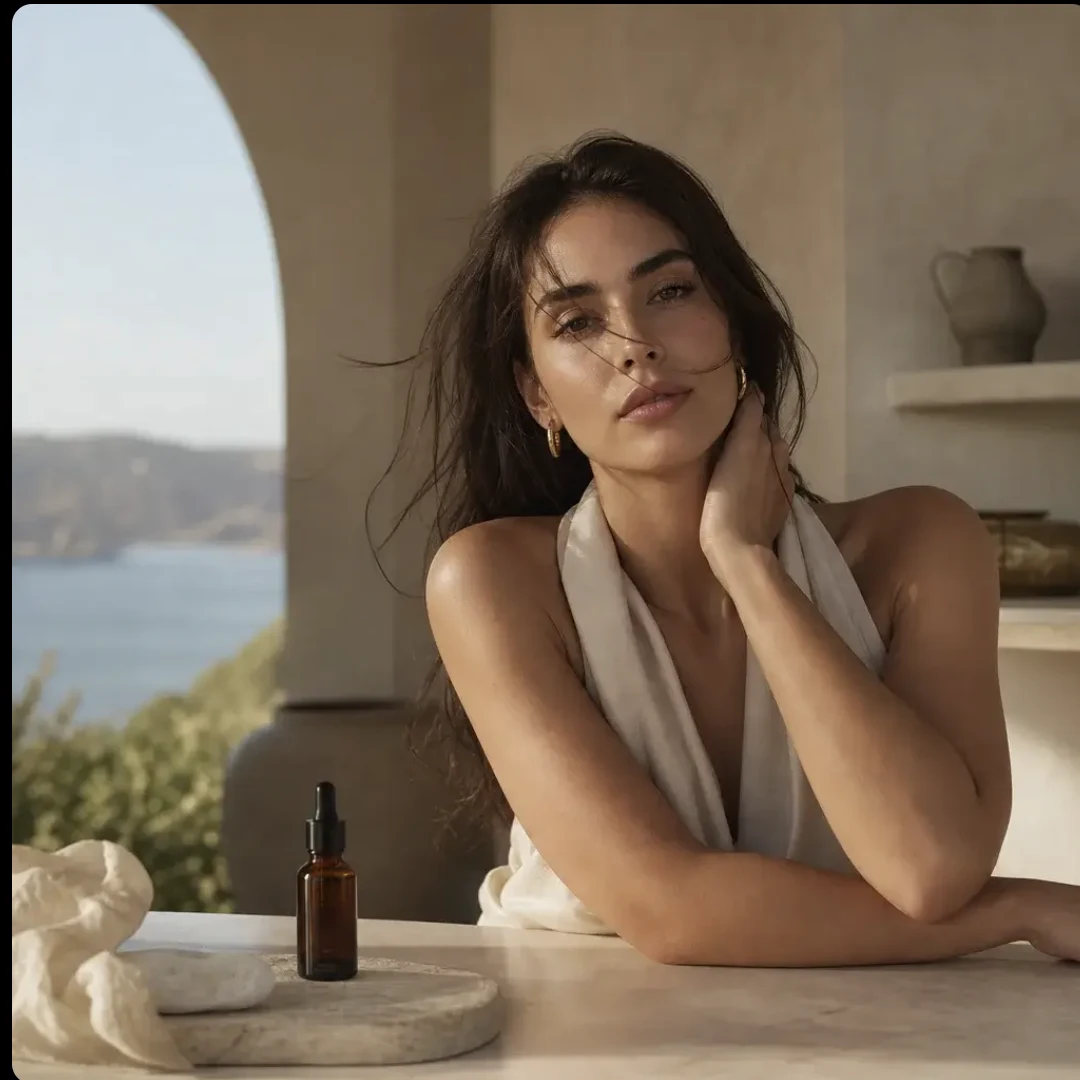
Social Posts From One Image
Turn portraits, lifestyle shots, food images, or trend concepts into short clips that fit TikTok, Reels, YouTube Shorts, and everyday social content.
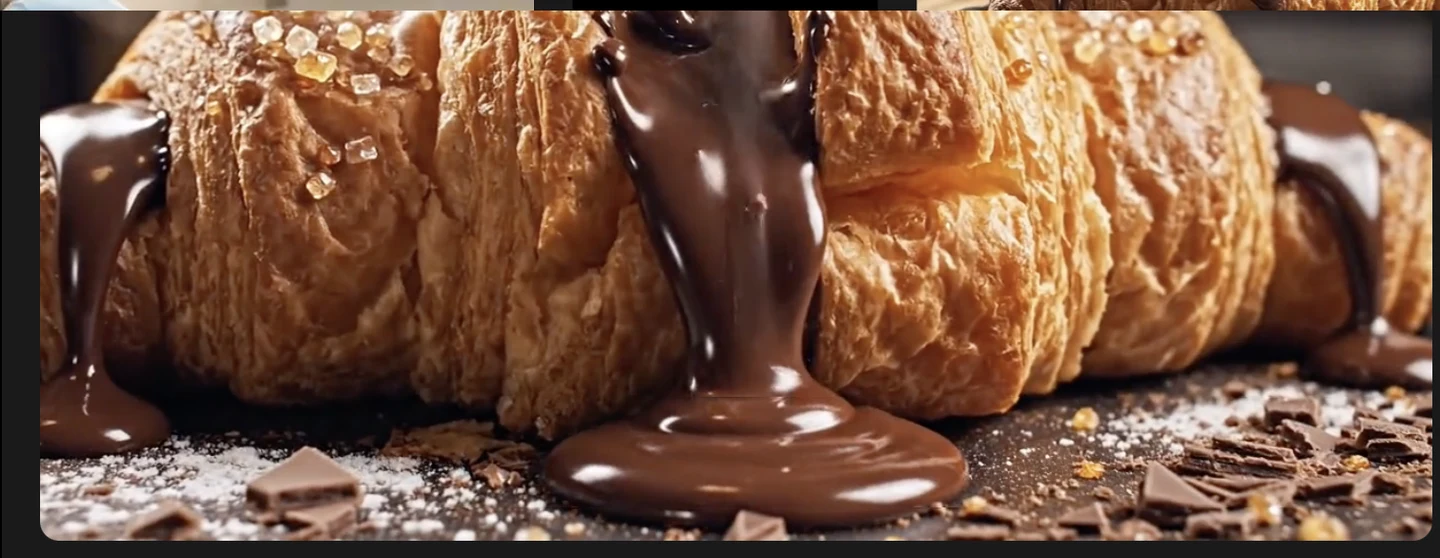
Product Ads and Website Clips
Create product showcases, ad-like clips, landing page visuals, and client previews from a single product photo or prompt.
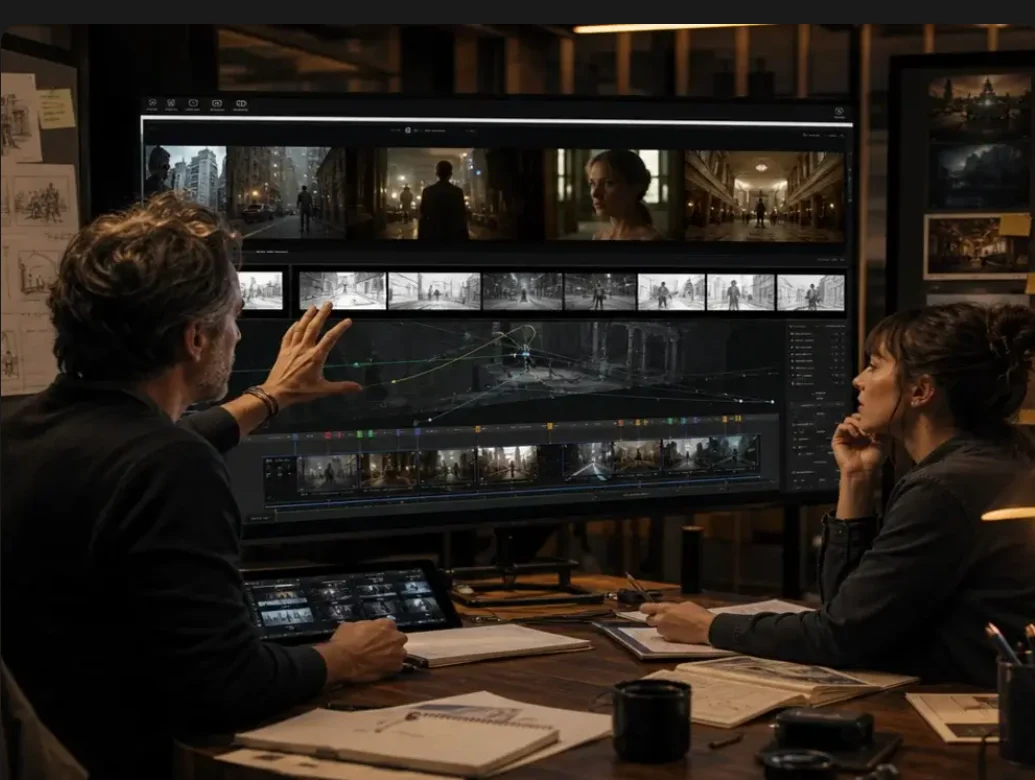
Story Previews and Creative Tests
Use Vheer AI Video Generator to test scene ideas, character moments, cinematic shots, and storyboard-style previews before making a full video.
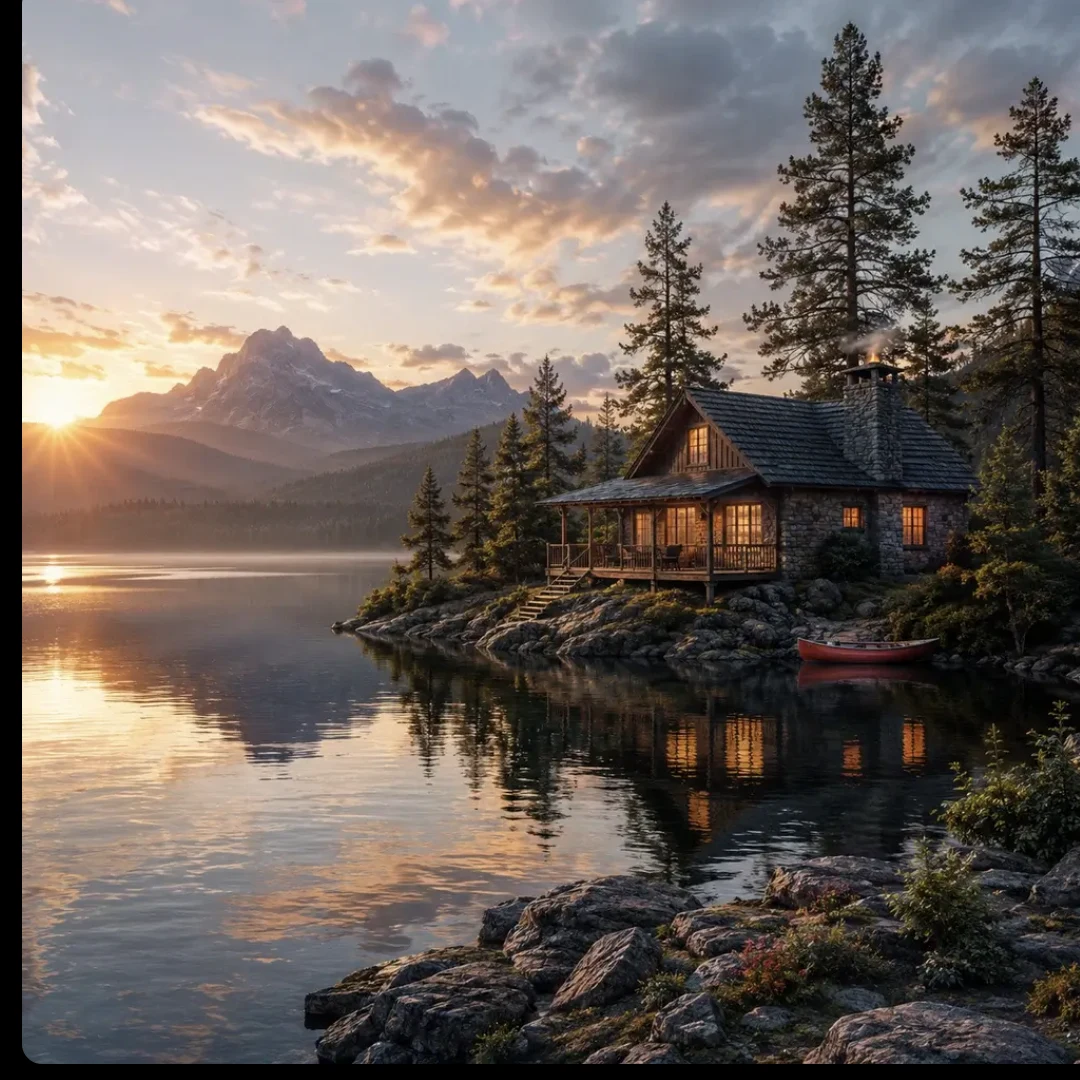
Classroom and Explainer Clips
Turn a simple image, character, diagram, or scene idea into a short educational clip that is easier to share and understand.
Source: Lanta AI public page at capture time. The following performance, pricing, licensing and service statements belong to that source and are not independently verified here; examples are not project generations.
Compare other video models
Explore related workflows and choose a model that fits your next video.


Vheer AI Video Generator FAQ
Source: Lanta AI public page at capture time. The following performance, pricing, licensing and service statements belong to that source and are not independently verified here; examples are not project generations.

Create Your Vheer AI Video in Minutes
Turn images, prompts, product photos, or character ideas into dynamic AI videos with Vheer AI Video Generator. Upload your image, describe the motion, and generate a Vheer AI video online.