Preparing local settings preview…
HappyHorse 1.0 AI Video Generator
Create fluid, vivid AI videos from prompts or reference images with HappyHorse 1.0. Choose a visual style and aspect ratio to match the video you want to create. With Lanta AI Video Generator, easily turn prompts and reference images into cinematic 15-second videos you can share across YouTube, TikTok, Reels, Shorts, and more.
Current form model: Happy Horse 1.0
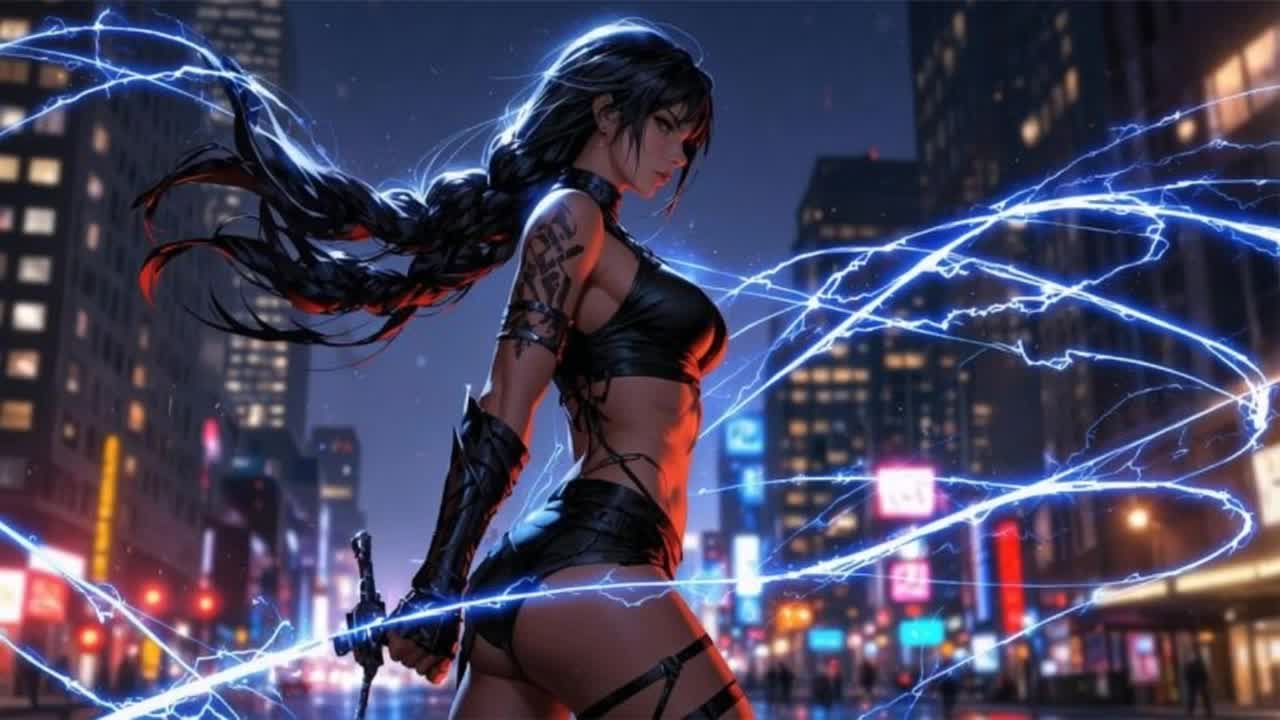
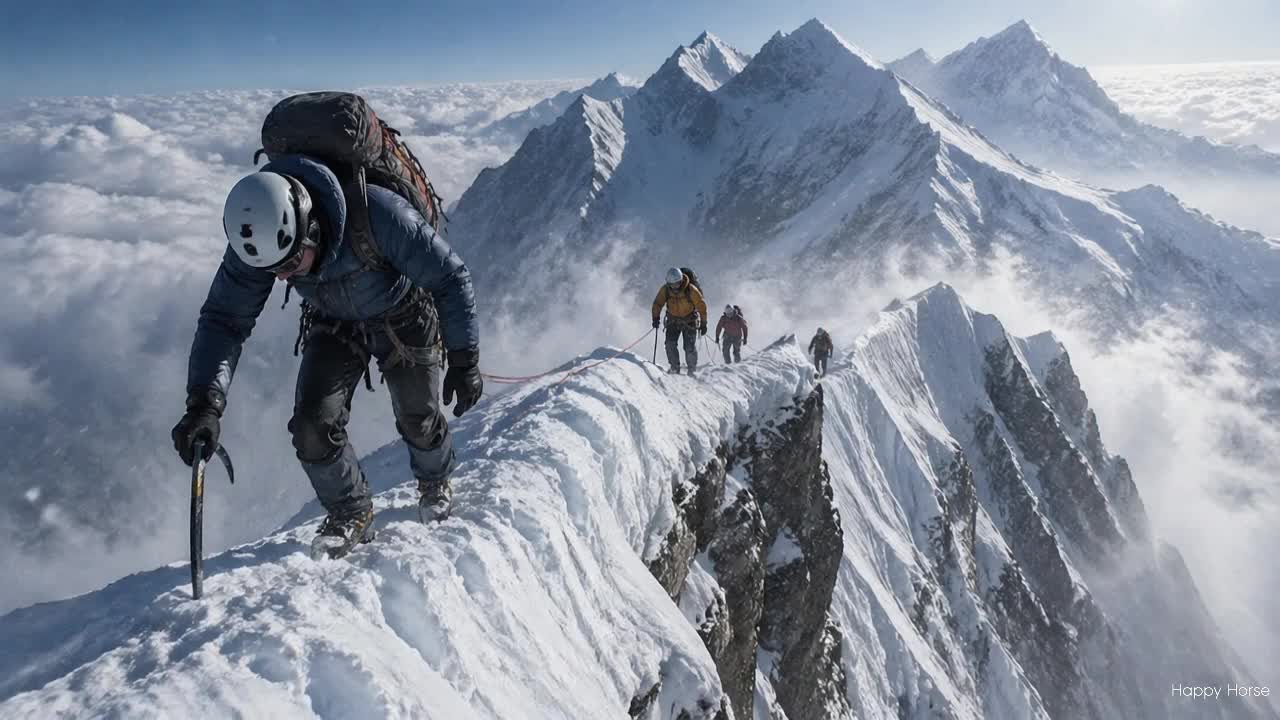
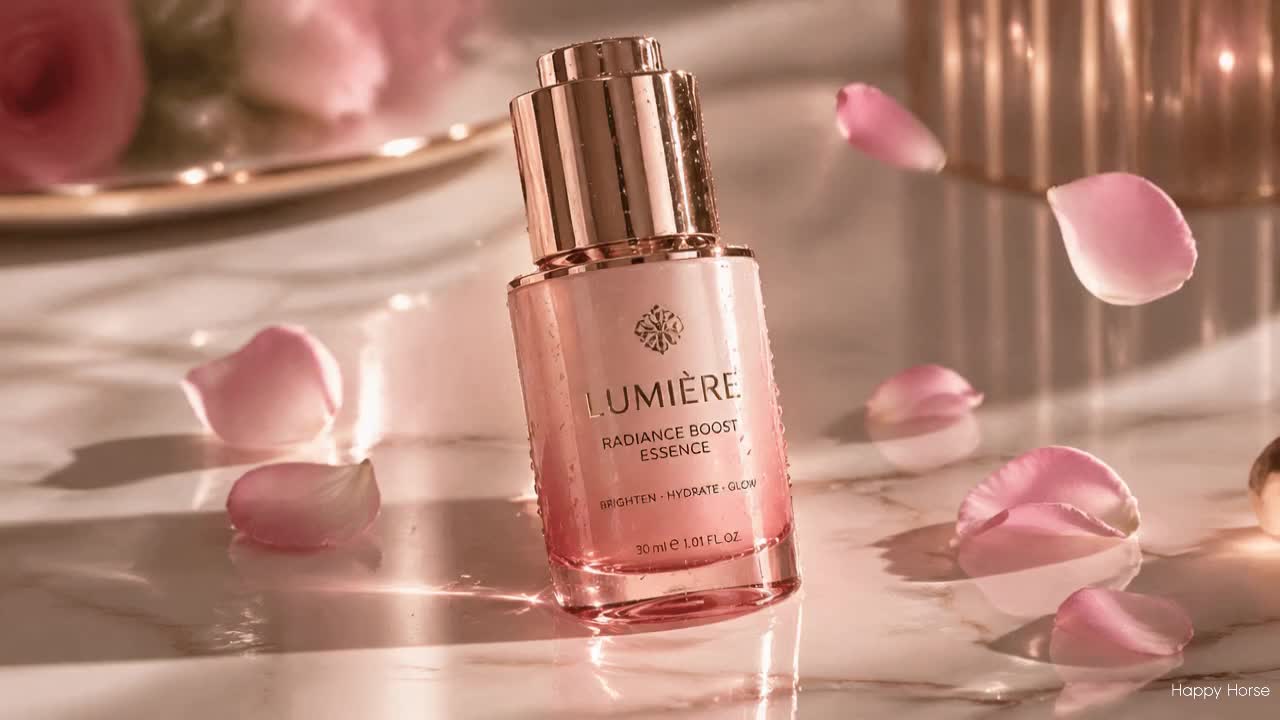
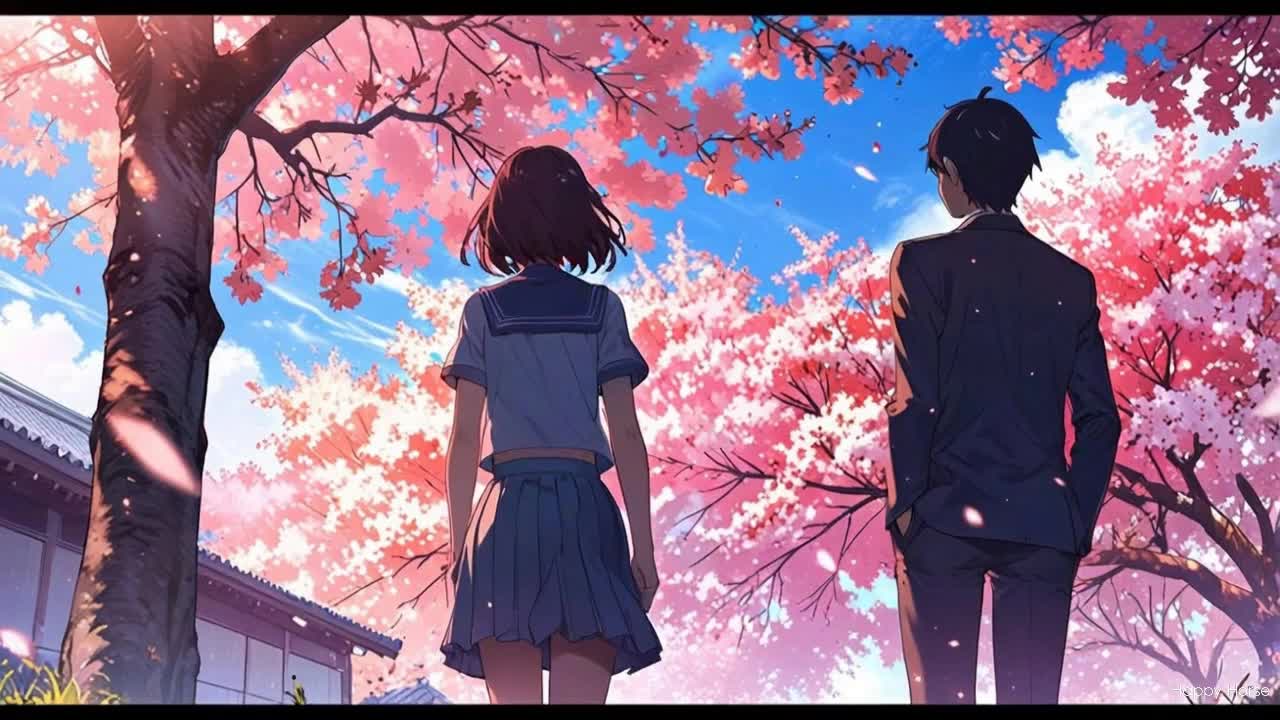
Source: Lanta AI public reference at capture time. Performance, licensing and service claims are not independently verified here; examples are not project generations.
Explore HappyHorse 1.0 Use Cases
HappyHorse 1.0 is built for creators who need short-form storytelling, product motion, and platform-ready video formats from one workflow.
Social Media
Create short-form videos for TikTok, Reels, Shorts, and other social platforms.
Create Social Videos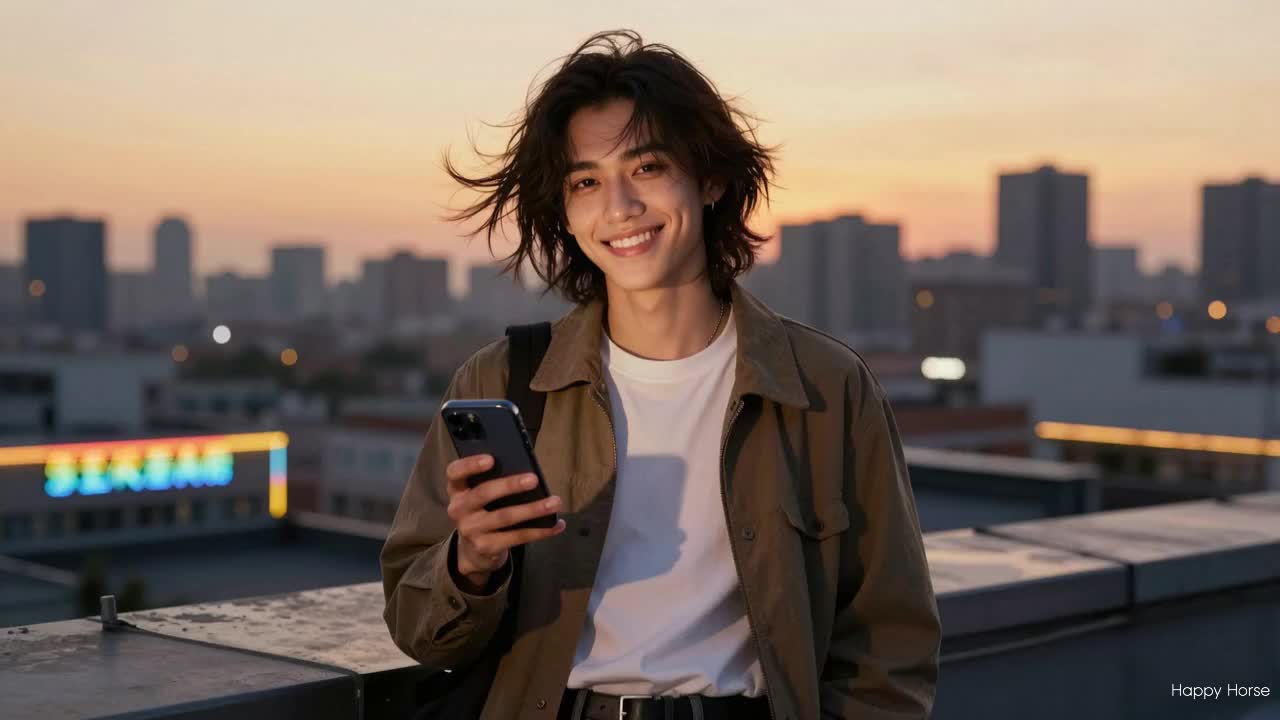
Source: Lanta AI public reference at capture time. Performance, licensing and service claims are not independently verified here; examples are not project generations.
Key Features of HappyHorse 1.0
Strong Prompt-Following Ability
HappyHorse 1.0 can understand complex prompts and follow detailed requirements for frame composition, camera movement, visual style, and atmosphere.
Multi-Image Reference Video Generation
Upload multiple reference images and let HappyHorse generate videos based on the people, scenes, and props shown in those images.
15-Second Multi-Shot Storytelling
HappyHorse 1.0 can follow camera directions such as slow push-ins and shot-to-shot transitions to create visual storytelling inside a 15-second clip.
Fast Generation Speed
From the moment you submit a prompt or image, HappyHorse 1.0 can generate a 15-second video in about 2 to 5 minutes.
1080P Ultra-Clear Output
HappyHorse 1.0 supports 720P and 1080P video output, so faces, product details, lighting, and textures look clearer and more defined.
Multiple Aspect Ratio Support
Generate videos in formats such as 16:9, 9:16, 1:1, 4:3, and 3:4 for YouTube, TikTok, Reels, Shorts, and more without extra cropping.
Source: Lanta AI public reference at capture time. Performance, licensing and service claims are not independently verified here; examples are not project generations.
Introducing HappyHorse-1.0 AI Video Generator
HappyHorse-1.0 is a new AI video generator built for text-to-video, image-to-video, multi-image reference generation, and AI video editing.
Create short videos with cinematic visuals, smooth camera movement, realistic details, and more consistent characters, scenes, and styles.
Use it to explore ideas from scratch, bring still assets to life, build story-driven scenes, or rework original clips for social media, product showcases, brand campaigns, storyboards, and more.
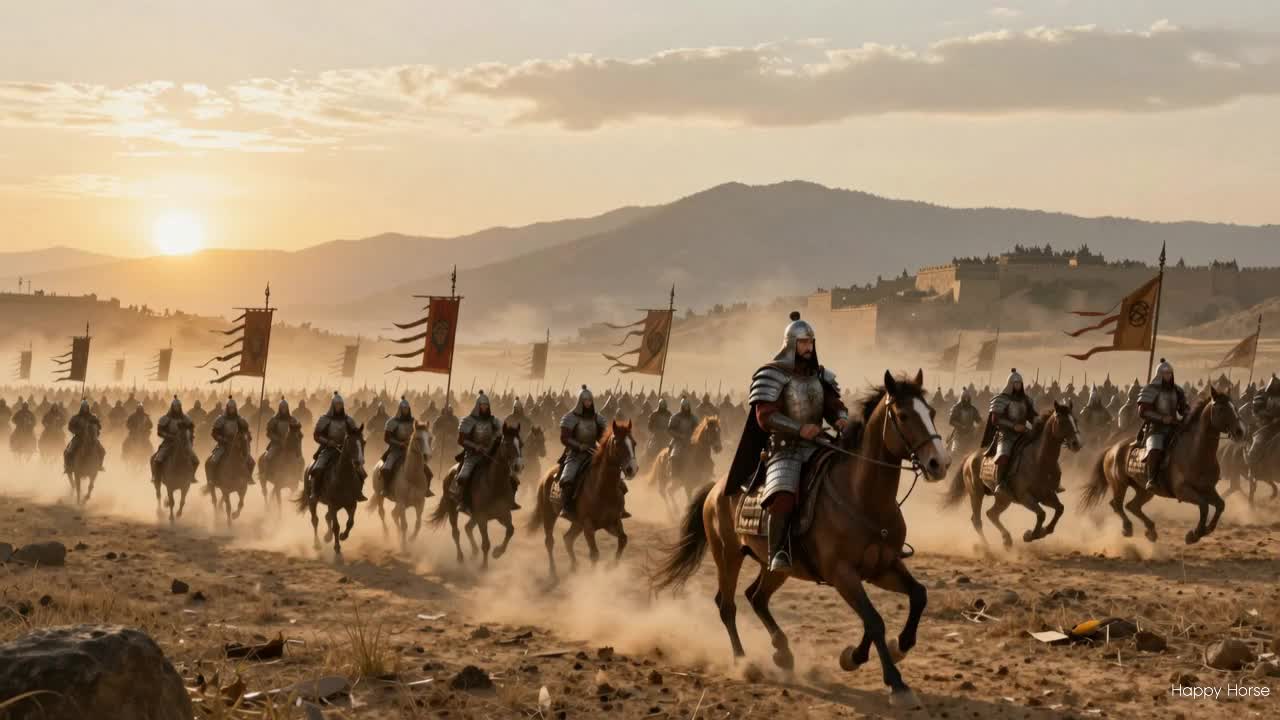
Turn Text Prompts into Cinematic Video Concepts
Creation often starts with a scene in your head. With HappyHorse 1.0 Text-to-Video, you can describe the visual content, style, motion, lighting, and mood you want, then generate a short video that brings your idea into view.
Test out cinematic scenes, character interactions, product moments, surreal camera movement, and social video concepts without filming from scratch.
It is a fast way to brainstorm, validate creative directions, and turn early ideas into video clips you can build on.
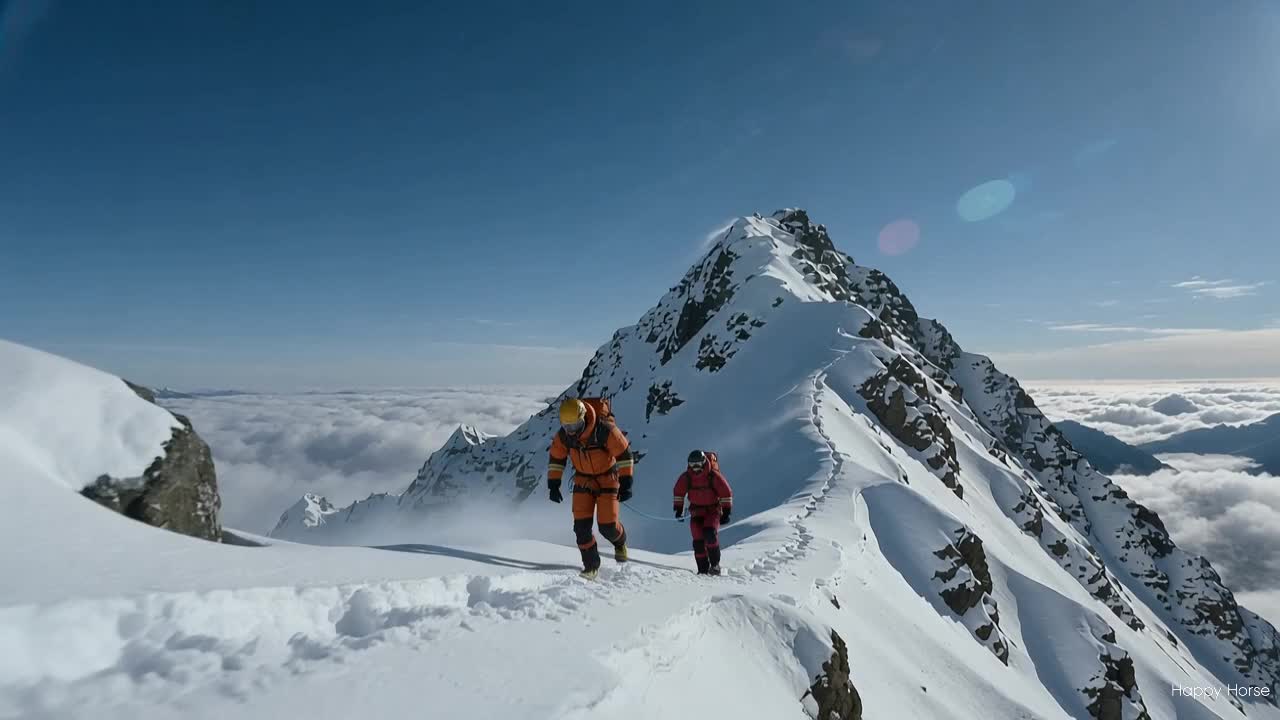
Animate Images While Preserving Their Original Look
Give your static visuals a new sense of movement. Upload a single image, such as a product photo, portrait, design mockup, illustration, or storyboard frame, and HappyHorse 1.0 can generate a dynamic video that follows the image's original content and style.
Use it to bring photography, concept art, campaign visuals, and social media graphics to life with motion, atmosphere, and camera movement that feel connected to the source image.
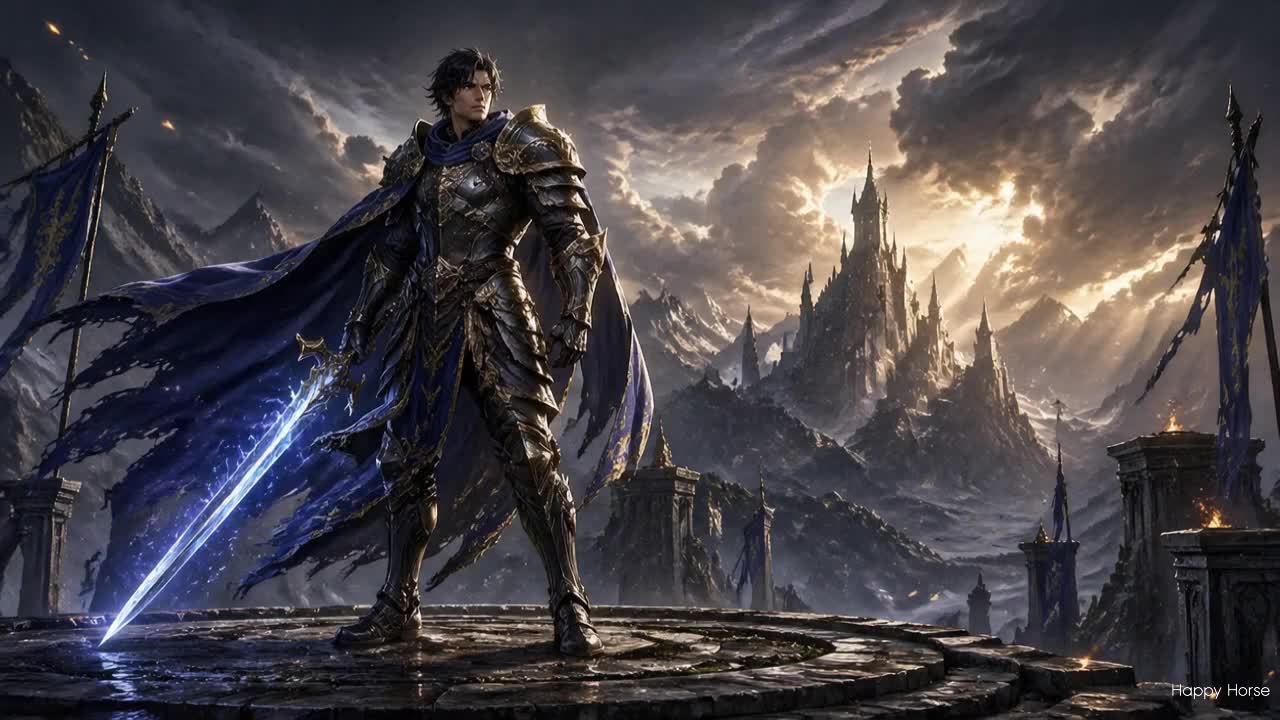
Use Multiple Reference Images to Control the Story
Some video ideas need more than one visual reference. With HappyHorse 1.0 Multi-Image Reference to Video, you can upload several images to guide the people, scenes, props, and style of the final result.
Use subject references to borrow character features or keyframe references to guide specific shots.
This gives creators a more precise way to build narrative videos, maintain character consistency, connect scenes, and keep the overall visual style unified.
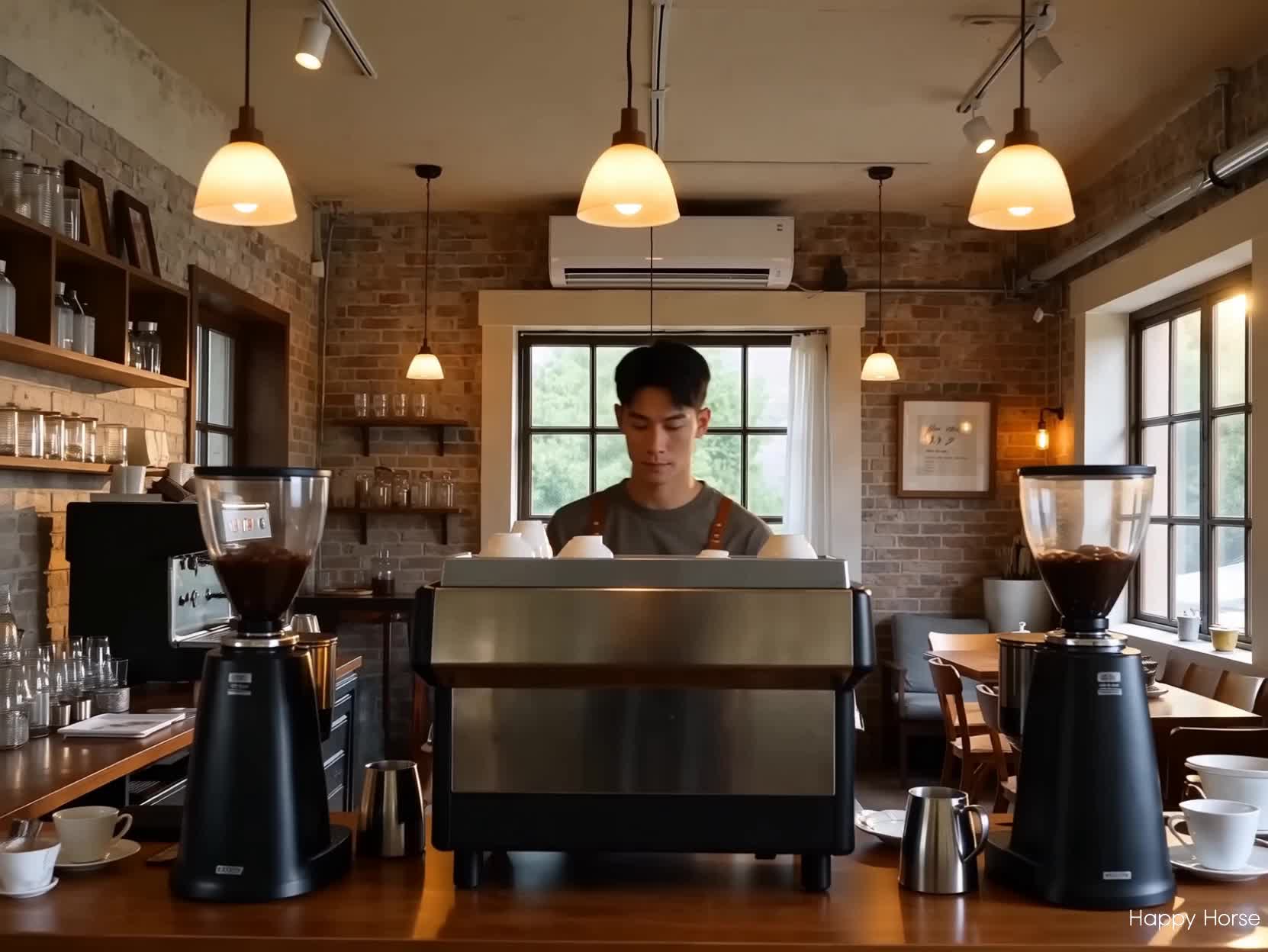
Edit Existing Footage into New Creative Versions
Not every project needs a completely new video. With HappyHorse 1.0 Video Editing, you can start from existing footage and reshape it with AI.
Replace a desert background with a bright coastal scene, turn a green screen shot into a fashion runway, or adjust lighting and atmosphere while keeping the original subject and motion intact.
It is ideal for refreshing old assets, creating campaign variations, and exploring new visual directions from footage you already have.
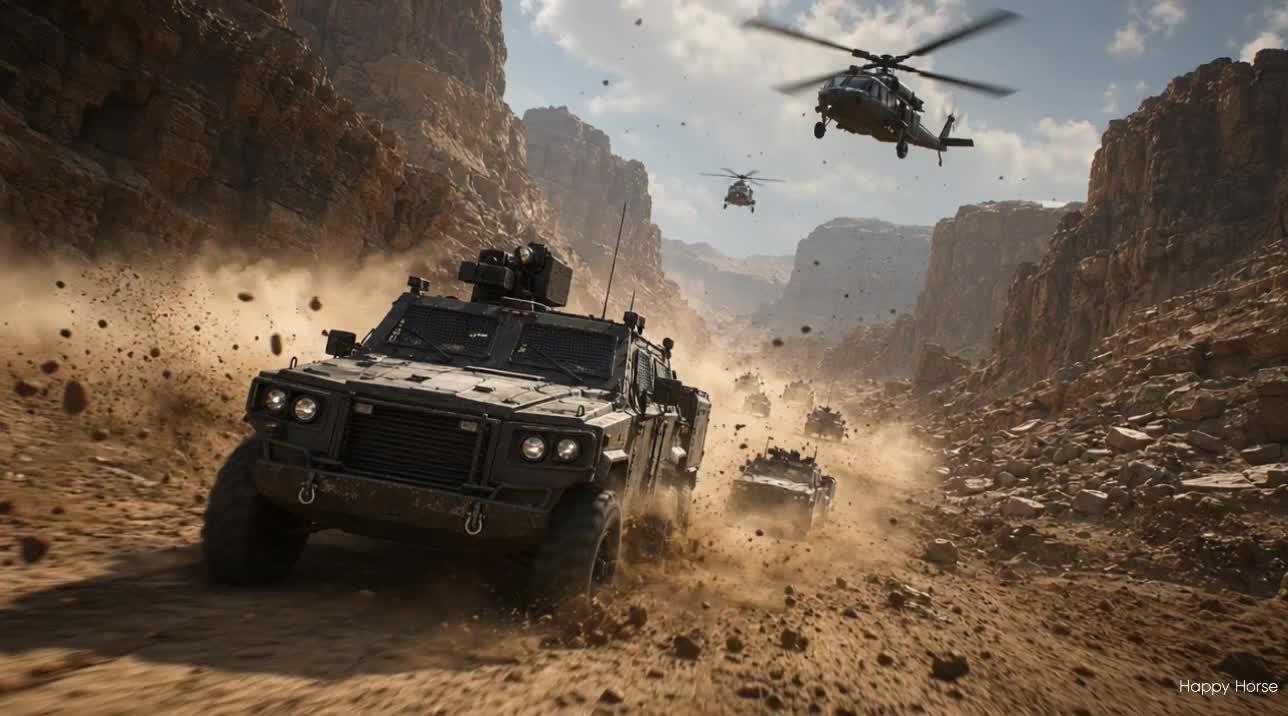
Source: Lanta AI public reference at capture time. Performance, licensing and service claims are not independently verified here; examples are not project generations.
Compare other video models
Explore related workflows and choose a model that fits your next video.


Source: Lanta AI public reference at capture time. Performance, licensing and service claims are not independently verified here; examples are not project generations.
HappyHorse 1.0 AI Video Generator FAQ

Start Creating with HappyHorse 1.0 on Lanta AI
Turn prompts, product images, character references, and existing footage into cinematic short-form video with flexible aspect ratios and 1080P output.
Source: Lanta AI public reference at capture time. Performance, licensing and service claims are not independently verified here; examples are not project generations.